
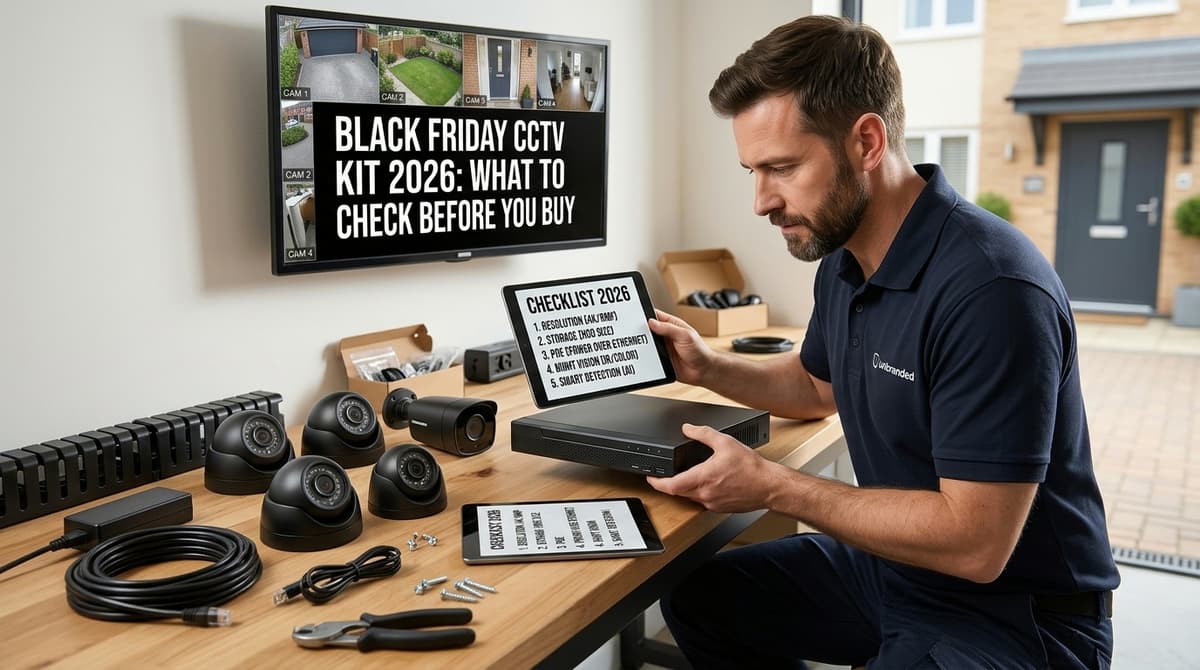
A Black Friday CCTV kit is only a bargain if the box already covers the recorder, hard drive, power, cable and legal basics for your site. If it doesn't, the add-ons can cost more than the discount saved. Before you compare prices, check the recorder's channel count against your cameras, the cable length against your measured route, whether power supplies and brackets are included, and whether a drive is in the box. Then confirm you can meet your UK GDPR duties for the footage you'll record.
What is actually in the box of a CCTV kit?
An "8 camera kit" headline confirms only the camera count, so check the drive, cable length, power supplies and brackets one by one before you pay.
These checks are general installer guidance rather than a rule that applies to every listing. They suit home CCTV kits and larger packages alike:
- Channels: match the camera count to the recorder's channels, and leave a spare channel so a later camera doesn't mean a new recorder.
- Cable: note the type and the length supplied per camera. Compare it with your measured run, and measure the route the cable will take (up the wall, across the loft, round the corner), not the straight line on a plan.
- Power: confirm that a power supply is included for each camera, along with the spade or DC connectors that go with it. Check each camera's datasheet for its power requirement.
- Brackets: check there is one per camera and that the fixings suit your wall type.
- Drive: check whether a hard drive is included at all, and whether its capacity suits the recorder and the number of cameras.
A mixed or padded bundle is the usual way a cheap CCTV kit costs more to finish. Odd cable lengths, a thin connector list or a missing drive each become a separate purchase, and the saving disappears.
To compare two listings like for like, write the same lines down for each: the advertised kit price, then the cost of anything missing (drive, PoE switch or injectors, cable and fixings), any subscription, and delivery for the whole order. Leave a line blank until the seller confirms it, and compare the totals only once both columns are filled in.
Delivery is the line that varies most between sellers. At CCTV Master it is one charge per order, £5.99 including VAT, and free once the order reaches £100.00 including VAT. Adding a reel of cable or a drive to the same order therefore doesn't add a second fee.
Is the recorder PoE, or will you need a switch and extra power?
Count the NVR's PoE ports against your camera count; if there are none, or too few, add a PoE switch and its cost to the kit price. A kit advertised as "8-camera" with a 4-port PoE recorder leaves four cameras needing another route to power.
The two outcomes look like this:
- PoE NVR with enough ports: each camera takes one network cable that carries both data and power, so there are no separate power supplies at the camera end.
- Non-PoE recorder, or too few ports: you need a PoE switch or individual injectors between the recorder and the cameras, plus a spare mains socket for that equipment. A buying guide from ASB Trade lists the PoE switch as a part of the kit whenever the recorder can't power the cameras itself.
Match the recorder type to the cameras too. IP cameras need an NVR and analogue cameras need a DVR, so a mismatched pair won't work. Our NVR vs DVR comparison and the NVR CCTV Explained guide cover the difference, and the 8-camera PoE switch article covers how to size a switch for void property CCTV.
Finally, check the recorder's maximum supported resolution in its datasheet. A 4K camera on a recorder rated lower will not give you 4K footage. If you're weighing a smaller setup, 4-Camera CCTV Kit: Real Coverage Limits shows what four cameras can realistically cover.
Will the drive hold the retention you need?
It will only if the kit's drive capacity at least matches your bitrate, camera count and retention days, and bundled drives are often the first spec trimmed to hit a Black Friday price.
The sum is short:
required storage ≈ (recording bitrate per camera × number of cameras × seconds recorded) ÷ 8
Take the bitrate from the camera's datasheet or from the recorder's own setting, and keep the units consistent (megabits per second in gives megabytes out). Seconds recorded is your retention period converted to seconds. That result assumes continuous recording, so treat it as an estimate at the bitrate entered, and allow for later changes to recording settings and bitrate. Motion-only recording lowers it, but by an amount that depends on how busy the scene is, so don't assume a saving on a street-facing camera.
If you intend to record sound as well, settle whether that is lawful for your site before it goes into the sum; our guide to when sound recording is lawful covers it.
Once you have a figure, compare it with the drive in the kit. Check that it is a surveillance-class model rather than a portable external USB drive, which isn't a sensible choice for a recorder running around the clock. Also confirm the largest drive the recorder supports, since that sets the upper limit on your retention.
Which fees, apps and firmware catches hide behind a cheap kit?
Ask whether remote viewing, cloud storage or any app feature carries a subscription or licence, and whether the recorder ships with current firmware.
A low headline price only holds if the running costs are zero, so check each of these in the listing before you order:
- App and desktop client: find out which client the kit uses and whether it is free. For Hikvision-based kits, our iVMS-4200 download guide covers the desktop software.
- Cloud and push notifications: any ongoing cost should be stated in the listing. If it is silent on the point, ask the seller before paying.
- Default credentials: our Hikvision NVR default password article explains the factory login. Set a unique password on first boot, before the recorder goes anywhere near your network.
- Firmware: ask what version the recorder ships with and whether you will need to update it before use. Our Hikvision firmware update steps piece covers the process itself.
- UK stock: the power supplies should come with a UK plug rather than leaving you to find an adaptor. Read the warranty terms and the listing's returns wording too.
On consumer rights, CCTV Master customers have 14 days to change their mind on a distance sale and 30 days to reject faulty goods. Hold any other seller's listing up against those two periods.
What does UK law expect before you switch it on?
A kit doesn't make you compliant; the way you set it up does: signage, retention, camera framing and, for business use, a documented purpose. The rules differ by who is filming and what the cameras can see.
- Domestic use: cameras that capture only your own property are generally outside UK GDPR. Once a camera covers a public footpath, the road or a neighbour's property, you may fall within it. Angle and mask the view before you tighten any screws.
- Business and public-facing sites: you need clear signage, a defined purpose for recording and a retention policy, following the ICO's CCTV guidance. Write the purpose and retention period down, because that record is what you'll be asked for.
- Audio: recording sound carries separate, stricter considerations than video, so treat microphones as a distinct decision rather than a bonus feature.
Decide camera framing early. Our UK buyer's framework is a sensible place to plan which camera watches what before you compare deals.
On fitting: we sell equipment and don't fit it. Use your own electrician or an independent installer (NSI or SSAIB accredited), and check the product's datasheet or installation guide before work starts.