
CCTV for offices and business premises
An office carries fewer risks than a shop and more privacy duties. Four cameras usually covers it — the entrance, reception, the comms room door and the car park — and the harder questions are what you must not record and what you have to tell staff before you switch on. This guide answers both, alongside the kits we hold in stock. We supply the equipment; you or your installer fits it.
4-camera systems: Single-floor office: entrance, reception, comms room, car park
Four cameras cover a single-floor office: the main entrance seen from inside, reception and the visitor desk, the comms cabinet or server room door, and the car park or bike store.
Drives from 1 TB to 12 TB in this band.
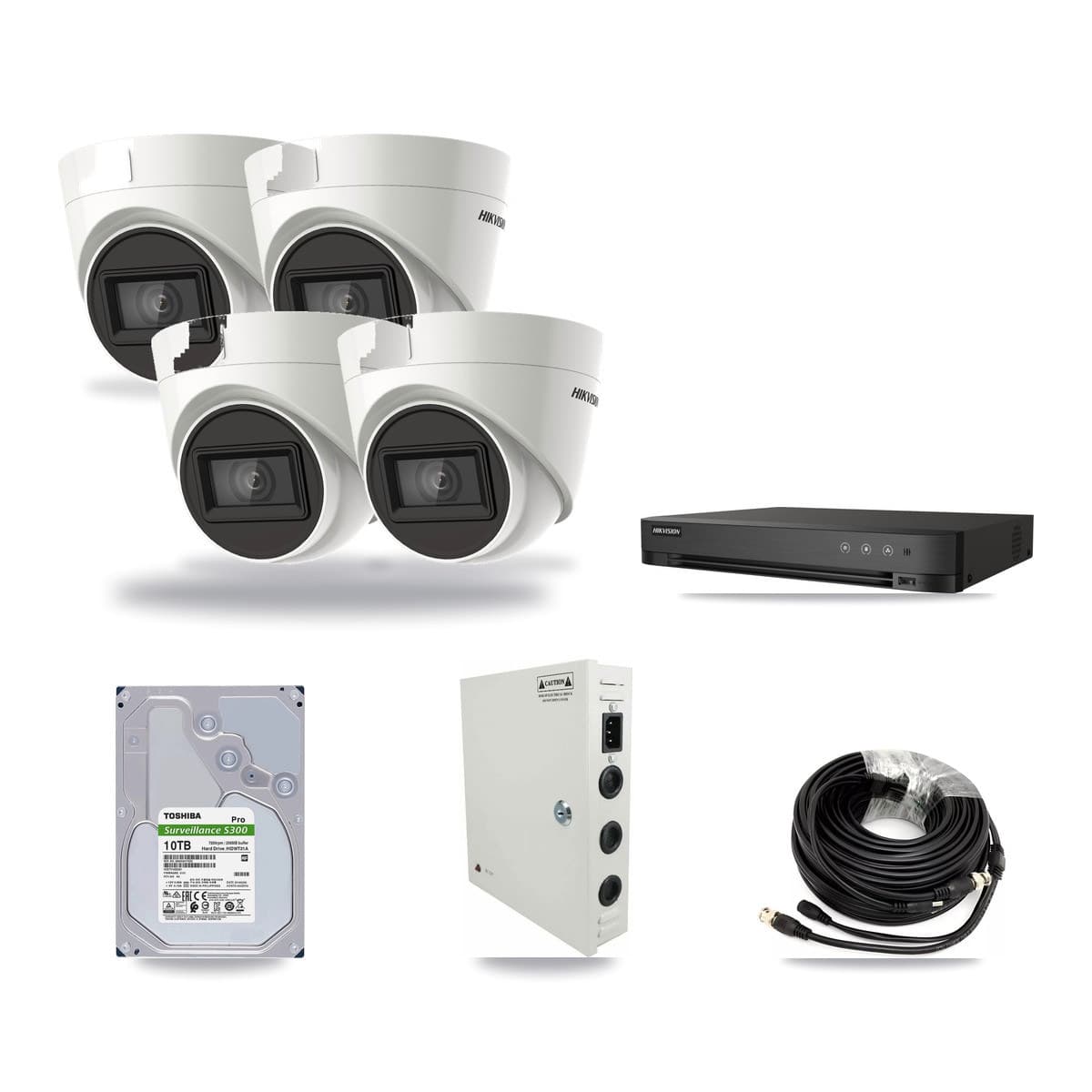
Hikvision 4-channel CCTV kit4cameras4K
- 4× 4K Turret


4-channel DVR · 10TB
Keeps about 57 days of footage
Suits a house
Works with the coax cable from an old system
Buying the parts one by one £870.70You save £43.54 (5% off)
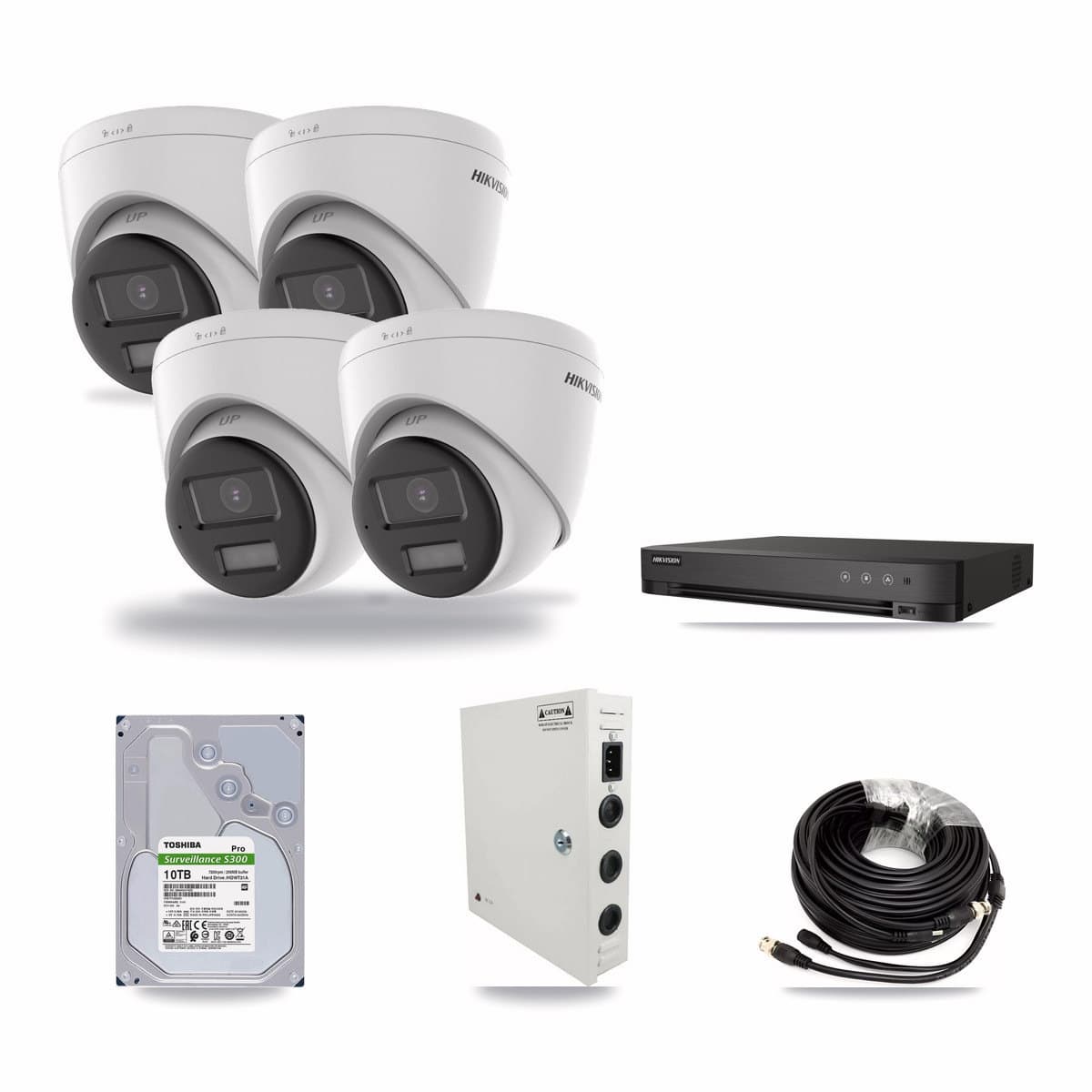
Hikvision 4-channel CCTV kit4cameras4K
- 4× 4K Turret

4-channel DVR · 10TB
Keeps about 57 days of footage
Suits a house
Works with the coax cable from an old system
Buying the parts one by one £936.94You save £46.85 (5% off)
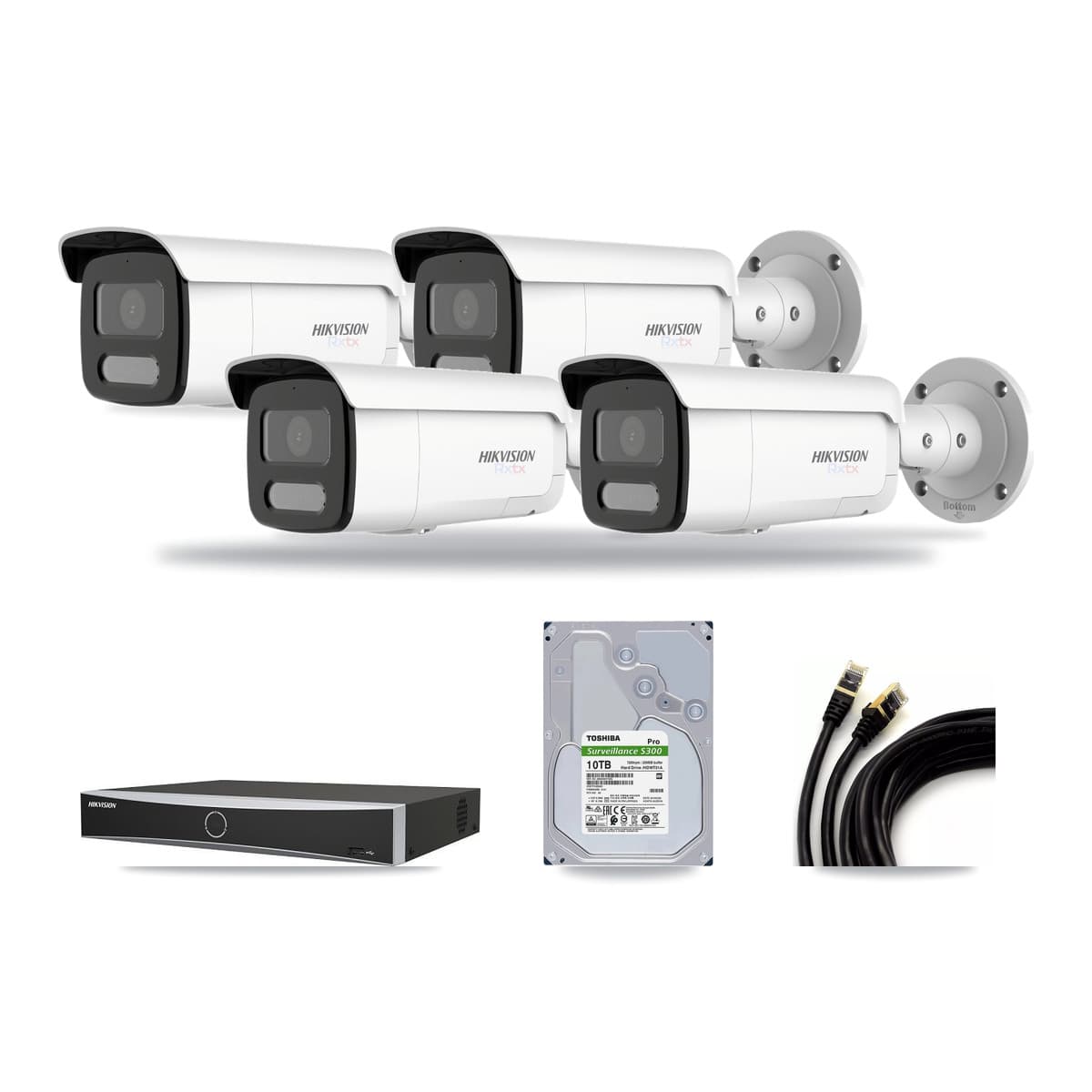
Hikvision 4-channel CCTV kit4cameras4K
- 4× 4K Bullet


4-channel NVR · 10TB
Keeps about 57 days of footage
Suits a house
One cable per camera does power and picture
Buying the parts one by one £1725.02You save £86.25 (5% off)
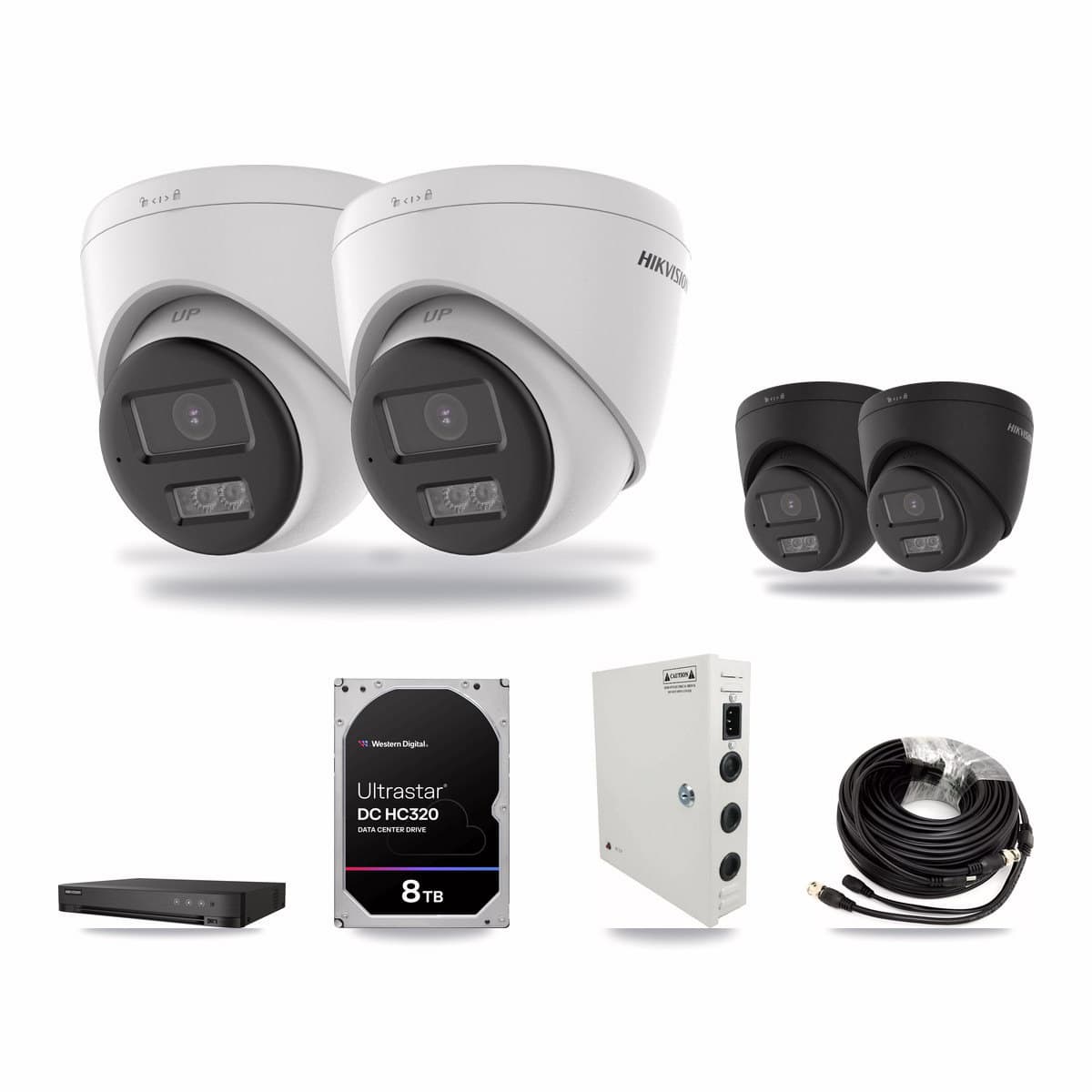
Hikvision 4-channel CCTV kit4cameras4K + 5MP
- 2× 5MP Turret
- 2× 4K Turret


4-channel DVR · 8TB
Suits a house
Works with the coax cable from an old system
Buying the parts one by one £843.07You save £42.15 (5% off)
8-camera systems: Multi-floor or multi-tenant: fire exits, lift lobby, post door
Eight adds the goods and post door, the fire exits, the lift lobby and a second floor — the shape a multi-tenant building takes once more than one demise shares an entrance.
Drives from 2 TB to 20 TB in this band.
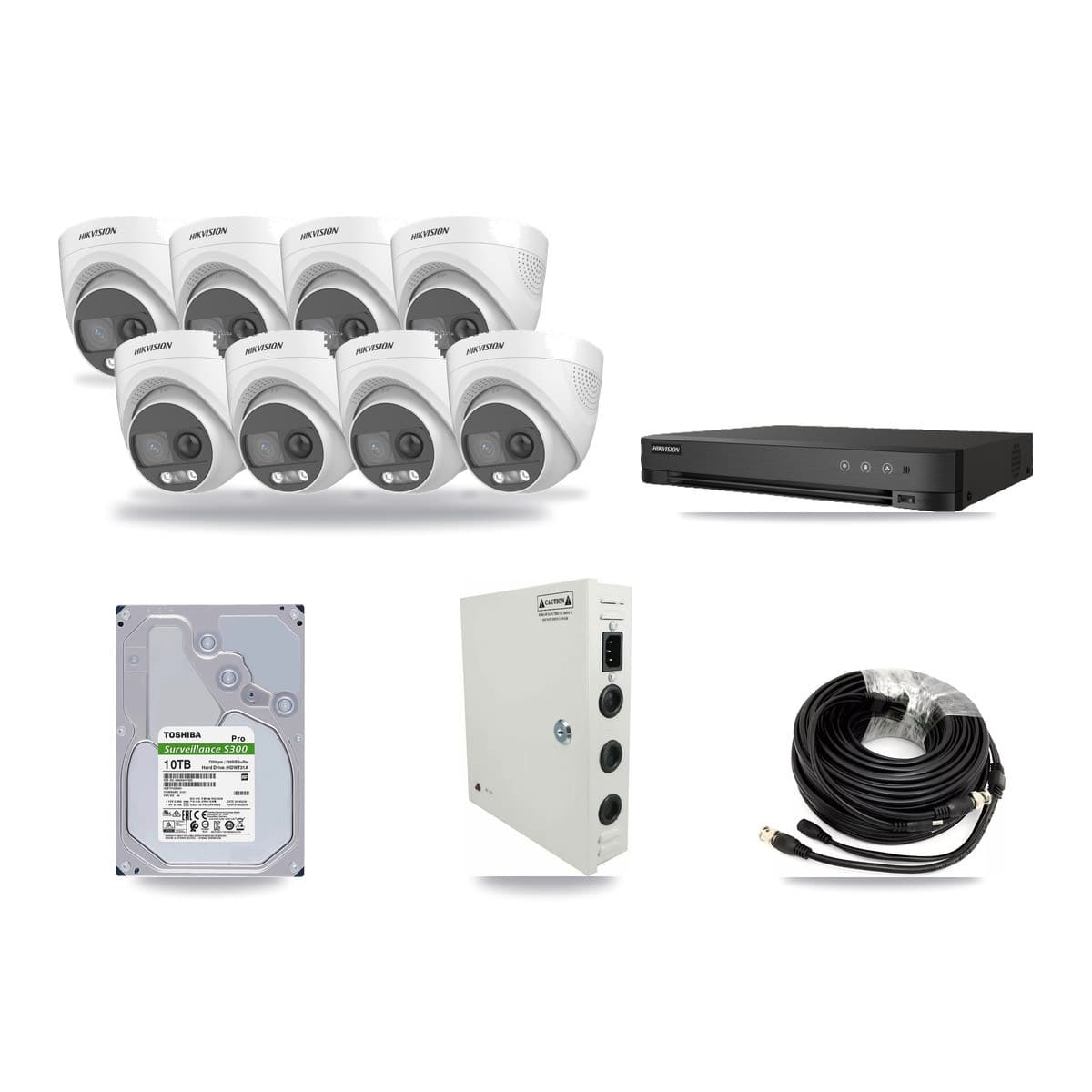
Hikvision 8-channel CCTV kit8cameras5MP
- 8× 5MP Turret


8-channel DVR · 10TB
Keeps about 57 days of footage
Suits a shop or small business
Works with the coax cable from an old system
Buying the parts one by one £1169.16You save £58.45 (5% off)
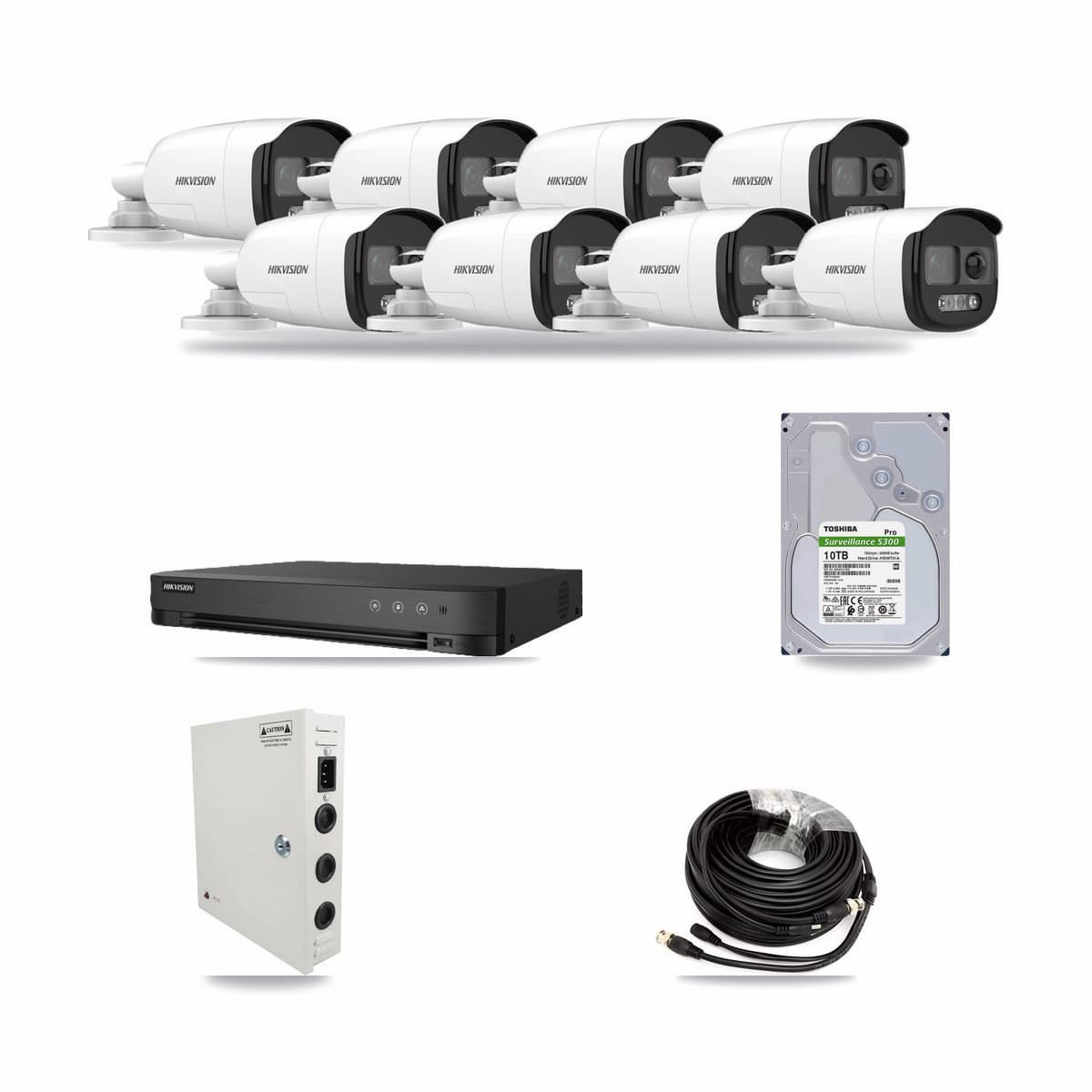
Hikvision 8-channel CCTV kit8cameras5MP
- 8× 5MP Bullet


8-channel DVR · 10TB
Keeps about 57 days of footage
Suits a shop or small business
Works with the coax cable from an old system
Buying the parts one by one £1176.60You save £58.82 (5% off)
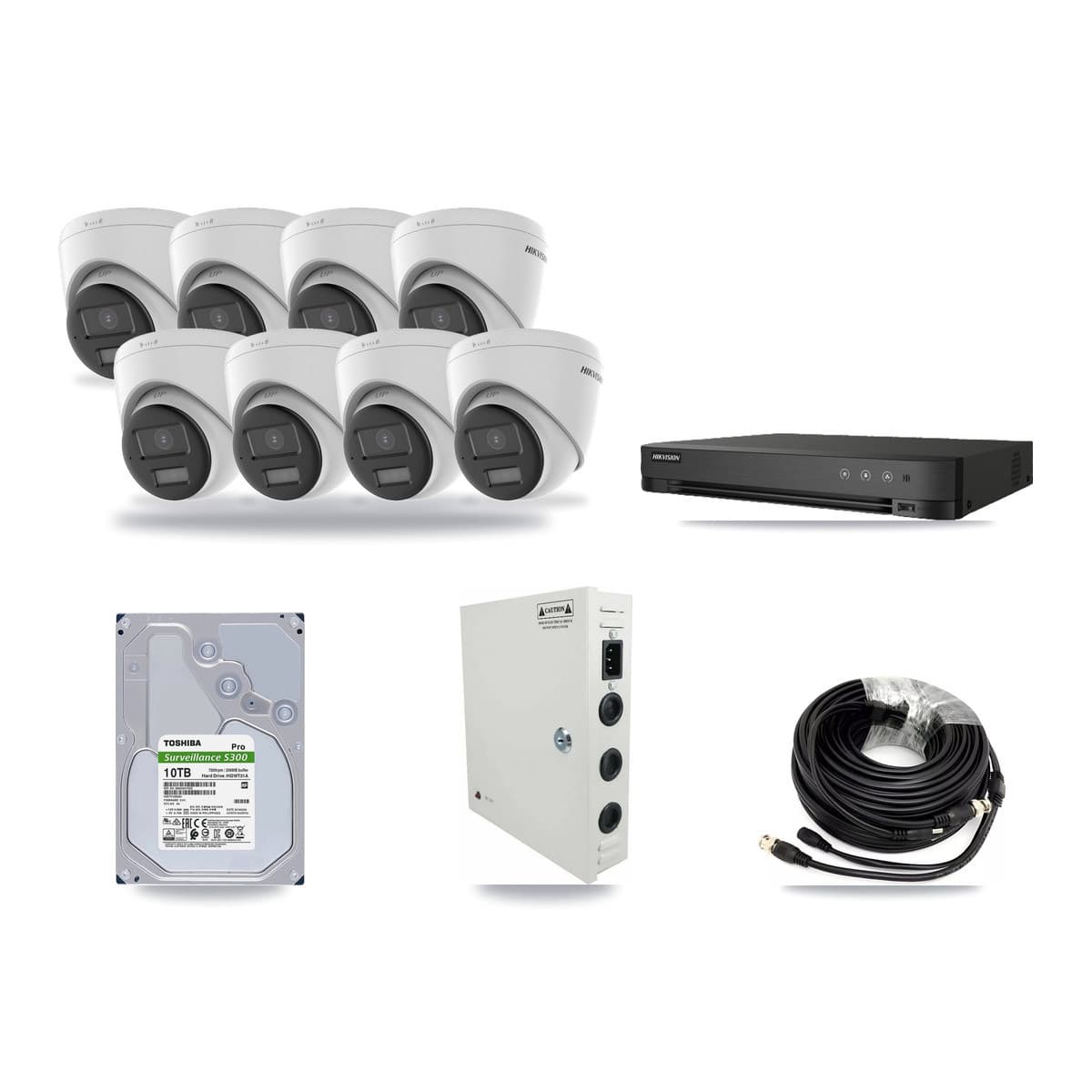
Hikvision 8-channel CCTV kit8cameras5MP
- 8× 5MP Turret

8-channel DVR · 10TB
Keeps about 57 days of footage
Suits a shop or small business
Works with the coax cable from an old system
Buying the parts one by one £1187.74You save £59.39 (5% off)
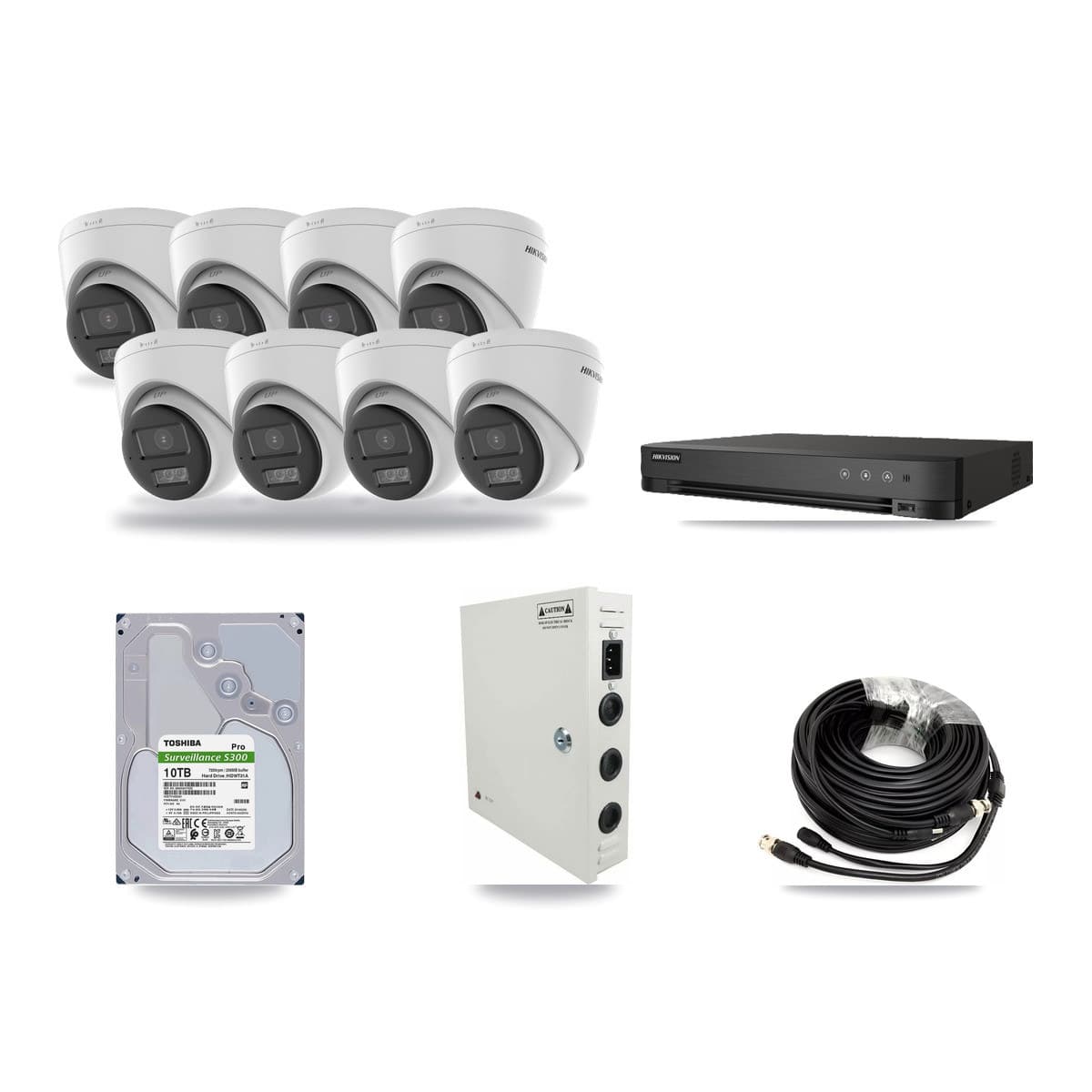
Hikvision 8-channel CCTV kit8cameras5MP
- 8× 5MP Turret
8-channel DVR · 10TB
Keeps about 57 days of footage
Suits a shop or small business
Works with the coax cable from an old system
Buying the parts one by one £1210.68You save £60.53 (5% off)
Not sure how many cameras you need?
Answer three questions and the finder narrows the range to systems that fit your site.
Where are the cameras going?
This only picks a starting number of cameras. You can change it later.
How to cover an office with CCTV
An office carries fewer risks than a shop and more privacy duties. Four cameras usually does it: the main entrance seen from inside, reception and the visitor desk, the comms cabinet or server room door, and the car park or bike store. Eight adds the goods and post door, the fire exits, the lift lobby and a second floor.
Cover the doors, not the desks. The ICO's position is that using security CCTV to monitor or discipline staff without warning will not usually be fair, and its monitoring-workers guidance expects a DPIA before you monitor employees — even where one is not strictly required. A camera on the entrance is proportionate. A camera down a bank of desks is a conversation with your staff and, in practice, a DPIA.
Three places take no camera at all: toilets, changing rooms, and any room where people reasonably expect privacy such as a prayer room or first-aid room. The ICO names toilets and changing rooms directly.
Technically, offices are the easy install. Ceilings sit at 2.4 to 2.8 m, so a 2.8 mm turret or a low-profile dome covers a whole reception from one corner. You rarely need more than 4 MP indoors, and choosing 4 MP over 8 MP means smaller files and more days on the same drive. The cameras run on the same Cat6 as the desks, so a PoE IP kit is the natural fit — but give CCTV its own switch or VLAN rather than sharing the office LAN.
Two things people forget. In a shared building the lobby is often the landlord's, not yours; if your camera records it you are the controller for that footage, so agree in writing who is responsible. And audio: most cameras can record it, and the ICO says it is difficult to justify and that you are unlikely to find a lawful basis. Leave microphones off unless you have written down exactly why they are on.
Finally, put the recorder in the comms cabinet with the switch, on the UPS if there is one, and give one named person the login. A shared password is the most common way office footage becomes unusable.
Sources: The ICO's video surveillance guidance · The ICO's CCTV advice for small organisations
CCTV for offices and business premises — common questions
Can I legally use CCTV to monitor staff in an office?
Only with a strong reason and after telling them. The ICO says that where CCTV is installed for security, using it to monitor or discipline staff without warning will not usually be fair, and its 2023 monitoring-workers guidance expects a DPIA before employee monitoring even where one is not strictly required by law.