
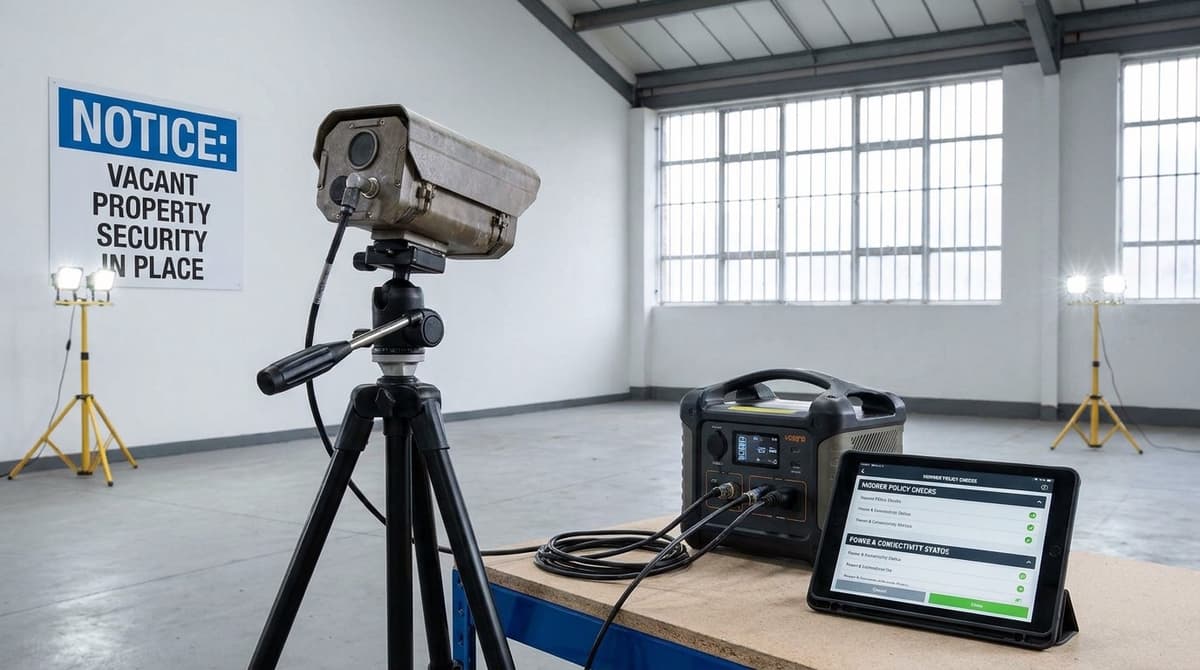
Vacant property security is the set of physical, procedural and electronic measures your insurer expects once a building is unoccupied. The policy's unoccupancy clause, not the CCTV catalogue, decides what that set must include. Where a site has no mains power or broadband, battery, solar or 4G equipment may help satisfy particular requirements, but only if the insurer accepts that arrangement in writing.
That acceptance depends on what the system actually does: how it detects, records, alerts and evidences an incident. Get it in writing before you buy anything, because a camera the policy doesn't recognise may protect the building but not your claim.
What do insurers require for vacant property security?
Insurers require whatever the policy's vacancy or unoccupancy clause specifies. That usually means physical, procedural and electronic measures that apply once a building stands empty. Vacant property security covers all three: locked or boarded openings such as security doors and screens, a routine of visits and checks, and alarm or CCTV coverage. The clause sets both when those conditions start and what they are.
You can leave a property vacant, but cover rarely stays the same indefinitely. Once the building has been unoccupied for the period your wording defines, conditions tighten or some perils may be excluded. Tell your insurer before that happens. The BSIA vacant property protection guidance publishes a Property Owner's Guide and separate guidance for customers and specifiers. Both are worth reading before you brief a contractor.
What to pull from the wording
- Day count. Find the number of consecutive unoccupied days before cover changes. It varies between insurers, so don't assume another policy's figure applies to yours.
- Inspections. Note how often visits are required, who may carry them out, and what each visit must check.
- Electronic monitoring. Check whether an alarm or CCTV system is named and whether it must be remotely monitored. Also check whether it has to stay powered and working throughout the vacancy.
- Referenced standards. Check whether your policy names one. BS 8418 is the British Standard generally associated with remotely monitored, detector-activated CCTV. It is not a universal vacancy requirement. If your policy cites it, the system design and monitoring arrangement will typically need to meet it, so ask an independent NSI- or SSAIB-accredited installer to confirm its scope for your site.
- Evidence. Find out what proof the insurer expects if you claim. That might be dated inspection logs, photographs, alarm event records or service reports.
Keep that evidence from the first day of vacancy, not from the day something goes wrong. Monitoring logs are only useful if the system stayed online. On long or electrically noisy runs, read whether you need shielded CCTV cable before you specify the wiring.
Which power options work with no mains supply?
Without mains, match the power source to the length of the void and the light at the mounting point: battery cameras for short voids, solar-assisted cameras only where daylight reaches. If the policy sets vacancy conditions, get the insurer's written confirmation of your arrangement.
None of the three options below suits every empty property, and if the policy sets conditions for the vacant period, get the insurer's written confirmation that your chosen arrangement is acceptable.
Battery cameras
These suit a short void, such as a gap between tenants or a sale that's close to completing. The cost is upkeep. Someone has to return to recharge or swap batteries, and the camera stops recording if a visit is missed.
Solar-assisted cameras
A panel only helps where the mounting position gets usable daylight. A north-facing elevation gets little direct sun, especially in a UK winter, so a panel there may not keep up with the camera's draw. A sunnier rear or side elevation is often the better place for it.
A battery pack or power bank feeding a recorder or router
Running a small recorder or router from a pack can keep footage and remote viewing going. The setup is bulkier, though, and the pack needs a secure spot indoors. Don't assume a runtime. Work out a rough figure:
Runtime (hours) ≈ (battery capacity in Wh ÷ average load in W) × cold-derating factor
- Battery capacity: take this from the pack's rating. If only mAh is given, convert it to Wh using the pack's nominal voltage.
- Average load: add up the typical draw of every device on the pack, using each datasheet. Don't use the peak draw.
- Cold-derating factor: this is a value below 1 that accounts for capacity lost at low temperature. Use the battery maker's figure for the coldest conditions you expect.
The formula gives a best-case estimate. It doesn't prove the system will last the whole void, so test the setup before you rely on it.
Read the datasheet first
Before you commit, check the manufacturer's own datasheet for:
- battery life
- operating temperature range
- IP rating for the position you're mounting in
PoE-switch and mains-recorder designs, including those in our power-supply and UPS guides, assume a live supply. A UPS covers a short cut. It won't run a system at a property where the electricity has been switched off.
If the camera only needs to cover a few weeks, compare hiring site CCTV against buying it before you spend on kit you won't keep.
How do you get footage out with no broadband: 4G routers, SIM plans and local storage?
Record locally, then use a 4G router and data SIM for alerts and event clips. Neither path covers both camera theft and site-visit retrieval on its own.
| Evidence path | Data needed | Strength | Weak point |
|---|---|---|---|
| SD-card recording | None | Works with no signal at all | Someone must visit to retrieve it, and a stolen camera takes its footage with it |
| Cloud upload | Yes, continuous or per event | Evidence sits off-site and survives theft | Uses plan data and stops when signal drops |
| 4G/LTE router plus SIM | Yes | Live alerts and remote checks | Limited by signal strength and the plan's allowance |
An SD card is the cheapest record but the most fragile. On a void that attracts break-ins, the camera can be one of the first things taken. Cloud or 4G upload gets evidence off the premises before that happens.
Working out whether the SIM plan is big enough
Per camera, data used is bitrate × seconds ÷ 8. A bitrate in kbps gives kilobytes. Take the bitrate from the camera's datasheet and the seconds from how long it actually uploads, whether that's continuous streaming or event clips plus live checks. Add up every camera and compare the total with the allowance on the carrier's current plan.
Uploading event clips only, while recording continuously to local storage, keeps the total far lower than streaming everything.
Test the signal before the property goes void
Stand at each planned camera and router position with a phone on the same network as the SIM. Check bars and run a speed test, and look at upload speed, because that is what footage needs.
For router placement:
- Mount the router high and inside the secured shell, out of sight from windows.
- Keep it clear of steel doors and vacant property security screens, which can cut signal badly.
- If the reading is weak indoors, consider a router that takes an external antenna.
Where our recorder fits
The XVR-3104HS-5MP-LITE is a 4-channel DVR, and like most recorders it expects mains power and a local network. Check its datasheet for the exact supply and network requirements before planning the site.
On a site where the electrics are isolated, it will not run until power is restored. Your own electrician should arrange that supply. A 4G router can then provide the network.
Camera count, retention and evidence quality: turning policy wording into a spec
Treat each policy phrase as a prompt for a design decision. Useful starting points are one camera per access route, retention longer than the inspection interval, and dedicated framing wherever identification matters. The final design still has to follow the policy's actual wording and a proper site assessment.
| Policy wording | Possible design response |
|---|---|
| "All entry points covered" | One camera per access route, such as the front door, rear access and side gate |
| "Recordings retained" | Retention at least as long as the gap between inspections |
| "Footage suitable for evidence" | Separate, tightly framed views for faces or number plates |
Camera count and retention
Count the doors and gates, not the rooms. As an illustration, a small vacant shop unit with a front door and rear yard access needs two cameras before anything else is added. A 4-channel recorder such as the XVR-3104HS-5MP-LITE at £53.82 would leave two channels spare for that layout.
Retention has to outlast the inspection cycle. If someone visits fortnightly and the drive only holds a week, footage of a break-in on day one has been overwritten before anyone thinks to look.
Evidence quality
Recognising a face or reading a plate is a different job from watching a yard. A wide overview shows that someone came in. A camera aimed close at the doorway, at head height, improves the chance of capturing an identifiable image, although it cannot guarantee footage the police can use.
Our guide to choosing CCTV for UK homes explains how to match a camera to each of those roles.
UK GDPR still applies to an empty building
An empty building still carries data protection duties. A business running CCTV on its premises is normally the data controller from the start. Cameras on a shopfront often capture the public pavement as well.
Whoever operates the system should:
- Put up signage at each camera.
- Set a retention period and write it down.
The alarm layer
Cameras record what happened, and an alarm reacts while it is happening. The Pyronix EURO46 Grade 2 Hybrid Alarm Kit includes three MEQ Blue PIR detectors. It is commonly used in homes, small offices and retail premises, and the platform is described as expandable with additional sensors and detectors.
Your own installer or an independent NSI- or SSAIB-accredited firm should fit and commission it.
Worked example: vacant property security for a 30-day commercial void
Work through six checks in order before locking up a vacant shop or office unit: read the vacancy clause, choose coverage points, pick a power route, pick a connectivity route, set the inspection interval, and test before lock-up. The figures stay as named variables because prices, battery specs and data allowances change, so fill them in from your own datasheets and plan.
The camera count and retention rule below are illustrative starting points. The final design must follow the actual policy wording and a site assessment.
- Read the vacancy clause. Record
V(the days allowed before vacancy conditions apply) and every condition attached, such as inspection frequency, alarm requirements or draining down. Get the insurer's written confirmation that your proposed arrangement meets those conditions. - Choose coverage points. For a small unit, the shopfront entrance and the rear service door are a reasonable start, though the site assessment may call for more. For each camera, copy the sensor size, low-light (lux) figure and IP rating from its own datasheet, and don't assume a rating from a similar model.
- Pick the power route. On battery, runtime in days =
battery Wh ÷ (average draw W × 24), and it must exceed 30. This is an ideal-case sizing check, not proof of 30-day operation, because night-time IR, frequent motion triggers and cold weather can shorten real runtime. If the mains stays live, a recorder such as the XVR-3104HS-5MP-LITE 4-channel DVR (listed at £53.82 inc. VAT) removes the battery maths. - Pick the connectivity route. Data in kilobytes =
bitrate (kbps) × recorded seconds ÷ 8. Total it across every camera for 30 days and compare it withplan allowance. - Set the inspection interval
I. A practical rule is to keep retention longer thanI, so nothing is overwritten before someone reviews it. If you review footage on a recorder during visits, our guide to choosing a CCTV monitor covers screen sizing. - Test before lock-up. Check signal strength at each camera position, trigger a motion alert from each approach and fit CCTV signage.
CCTV Master sells the equipment only. Fitting is done by your own electrician or an independent NSI- or SSAIB-accredited installer, working from each product's datasheet or installation guide.