
hikvision cctv system
Hikvision CCTV System UK Guide for 2026
Choose the recorder type first: a PoE NVR for IP cameras or a DVR for coax (Turbo HD) cameras.
On this page
- What is a Hikvision CCTV system, and should it be IP or coax?
- IP cameras with an NVR
- Coax cameras with a DVR
- Wireless and Wi-Fi
- Which kit suits a 4-camera home?
- Which kit works for an 8-camera small business?
- Match the camera to the recorder
- Business obligations
- What does a 16+ camera site need?
- How do you work out cost per camera, and what should you skip?
- Where the cost moves
- Sizing the storage line
- What to skip
- Related products
Choose the recorder type first: a PoE NVR for IP cameras or a DVR for coax (Turbo HD) cameras. Then pick a channel count with spare capacity for future cameras, and size the storage last. Before you buy, check on the datasheets that each camera works with the recorder you've chosen. Have your own electrician or installer fit the kit, because CCTV Master sells equipment and doesn't install it.
What is a Hikvision CCTV system, and should it be IP or coax?
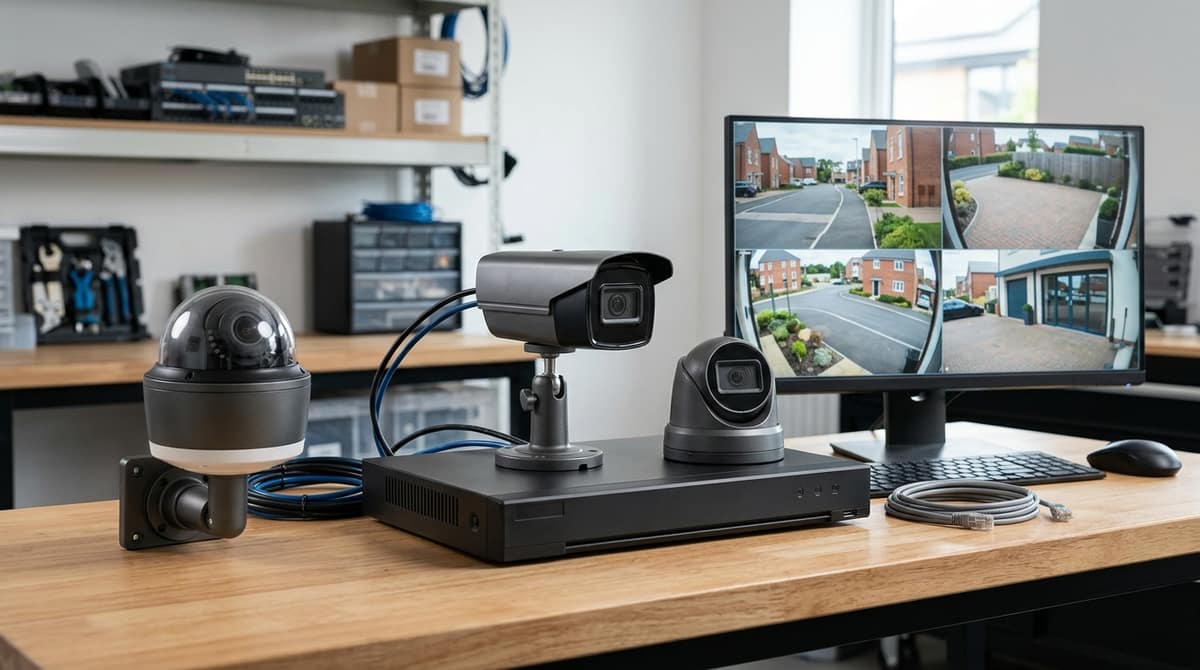
A Hikvision CCTV system is cameras, a recorder, a hard drive and cabling, built on either IP/PoE or coax. For a new installation, IP cameras on a PoE NVR are usually the better starting point. Coax with a DVR makes sense when usable cable is already in the walls.
A "Hikvision CCTV camera" is simply a camera made by Hikvision. I can't match "Hikvision C" to any product name, so it is most likely a truncated search for Hikvision CCTV.
IP cameras with an NVR
IP cameras connect to an NVR or PoE switch over network cable, which carries power and video together, so each camera needs only one run. Hikvision's IP range includes DarkFighter 4K bullets alongside dome and turret bodies. A ready-made example is the Hikvision 4K PoE Camera System with AcuSense NVR.
Coax cameras with a DVR
Hikvision's Turbo HD range sends analogue HD over coax to a DVR. It suits a like-for-like upgrade of an older system, usually with a separate power lead at each camera. The Hikvision 16-Channel DVR with 10TB Hard Drive Pre-Installed is a 5MP, 16-channel example with the drive already fitted.
Wireless and Wi-Fi
A "wireless CCTV system" only removes the video cable. Every Wi-Fi camera still needs mains or PoE power, and I haven't found a Hikvision Wi-Fi camera in the material I've checked, so I'm making no product claim. On any datasheet, confirm that Wi-Fi is listed, what the power input is, and where footage is recorded.
The Hikvision AX Pro wireless intruder system is an alarm, not a camera system.
Which kit suits a 4-camera home?
For a four-camera home, start with the Hikvision 4K PoE Camera System | AcuSense NVR Kit, built around a 4-channel PoE NVR. The listing describes 4K recording, AcuSense human/vehicle detection and easy setup. Check the product page for exactly what is in the box and for live stock or back-order status.
AcuSense matters in a domestic setting because it filters alerts by person or vehicle, so a cat or passing branch is less likely to trigger one.
PoE suits homes because each camera needs only one Cat6 run carrying both data and power. That means no separate power supply at each camera position and fewer sockets to find in lofts or soffits. Our existing Cat6 and PoE posts cover cable choice and power budgets. Your own electrician or installer should do the fitting, using the datasheet and installation guide.
A domestic setup is not automatically exempt from data protection rules. If a camera captures a public footpath, street or a neighbour's property, UK GDPR and the ICO's CCTV guidance may apply. In that case, clear signage and a documented purpose matter, and aiming or masking cameras to cover mainly your own property is the simplest way to reduce the issue.
Which kit works for an 8-camera small business?
Choose by cabling: IP/PoE cameras for a new build or re-cable, or a DVR with HD-TVI cameras where coax already runs to each camera position.
We don't list a dedicated 8-channel recorder, so I won't name one. You have two routes:
- A 16-channel recorder with headroom. It leaves eight channels free for extra cameras later.
- A live-page check. Look through the product pages for an 8-channel Hikvision NVR.
Match the camera to the recorder
- IP/PoE: the right choice for new cabling, with cameras on network cable to an NVR.
- Coax and HD-TVI: reuse existing runs with a DVR. An IP camera will not work on a coax-only DVR, so settle this before ordering.
Both 16-channel recorders we list are DVRs, so they suit the coax route. One is the Hikvision 16-ch AcuSense DVR 8MP H.265. The other is the 16-Channel DVR with 10TB Hard Drive Pre-Installed, a 5MP unit with the drive already fitted.
For cameras, the Hikvision 8MP Cameras | 4K CCTV Cameras & Kits page lists IP, AcuSense and ColorVu models. Check each model's datasheet for its recorder compatibility.
Business obligations
This is general guidance, not legal advice. A business recording identifiable people generally falls under UK GDPR. That usually means paying the ICO data-protection fee unless an exemption applies, and displaying clear signage. It also means being able to justify the purpose and retention period of the footage. Check the ICO's CCTV guidance for your premises, especially if cameras cover public space or neighbours.
Your own electrician or installer fits the kit, working from each product's datasheet or installation guide.
What does a 16+ camera site need?
A 16-camera site needs a 16-channel recorder, and the choice comes down to resolution headroom versus ready-to-record convenience. Neither of the two 16-channel Hikvision DVRs we list is the outright better buy, because they suit different jobs.
- Hikvision 16-ch AcuSense DVR 8MP H.265: 8MP and H.265, with facial recognition and perimeter protection, in a 1U rack-mount case. It suits sites that want high-resolution cameras now or later and have a rack to put it in. The listing doesn't say a drive is included, so confirm that on the product page before budgeting.
- Hikvision 16-Channel DVR with 10TB Hard Drive Pre-Installed: the IDS-7216HQHI, a 5MP unit with a 10TB drive already fitted. It also has H.265 and AcuSense human/vehicle filtering. It suits a straightforward job where you want to connect and record, and the trade-off is the lower resolution ceiling.
Both are DVRs, so they pair with coax-compatible cameras rather than PoE network cameras. Mixing IP cameras onto the same recorder depends on the specific model's hybrid support. Neither listing confirms it, so check the datasheet before ordering.
Retention is the other thing to work out early. The drive is shared by all 16 channels, so days of footage depend on the combined bitrate of your cameras, not the headline capacity. Your own installer or electrician handles the fitting, and the datasheet covers the rack and cabling requirements.
How do you work out cost per camera, and what should you skip?
Add up the recorder, hard drive, switch or power supplies, cable, cameras and brackets, then divide by the number of cameras you actually fit.
cost per camera = (recorder + hard drive + switch or power supplies
                   + cable + cameras + brackets) ÷ number of cameras
Read each figure live from its product page rather than from an article, because prices and stock change. Prices on this site include VAT, so keep every line on the same basis.
Where the cost moves
A pre-fitted drive removes one line from the sum. The Hikvision 16-Channel DVR with 10TB Hard Drive Pre-Installed arrives ready to record, whereas the Hikvision 16-ch AcuSense DVR 8MP H.265 needs a drive added. Compare the two on total, not on recorder price alone.
Spare channels cost little per camera if you fill them later, but they raise your cost per camera until you do.
Sizing the storage line
storage = bitrate × seconds per day × cameras × days ÷ 8
Bitrate in megabits per second gives megabytes, and the ÷ 8 converts bits to bytes. Our hard-drive guide covers realistic bitrates and retention.
What to skip
- Resolution the lens and scene can't use. Higher resolution raises bitrate, and so storage, without adding usable detail at long range.
- Spare channels you will never fill. Headroom is worth paying for only if you plan to expand.
- Wi-Fi cameras for permanent coverage. Each one still needs power, so a wired run is usually the sturdier choice.
- Mismatched IP and coax kit. Check on the recorder's page which camera types it accepts before ordering.
- AI features on cameras where plain motion recording will do. AcuSense human and vehicle filtering earns its cost on approaches and perimeters, not on every camera.
Related products
Related products from our own range:
- Hikvision 4K PoE Camera System | AcuSense NVR Kit — Get crystal-clear 4K surveillance with a Hikvision PoE camera system. Includes AcuSense NVR for smart human/vehicle detection & easy setup.
- Hikvision 8MP Cameras | 4K CCTV Cameras & Kits — Explore our range of Hikvision 8MP cameras, offering 4K resolution for crystal-clear surveillance. Find IP, AcuSense, and ColorVu models for superior security.
- Hikvision 16-ch AcuSense DVR 8MP H.265 — 16-channel Hikvision AcuSense DVR with 8MP H.265 encoding, facial recognition and perimeter protection. Deep Learning AI, 1U rack mount.
- Hikvision 16-Channel DVR with 10TB Hard Drive Pre-Installed — 5MP 16-channel Hikvision DVR (IDS-7216HQHI) with 10TB hard drive already fitted, ready to record. H.265 compression and AcuSense human/vehicle motion filtering.
This article was researched and written by CodeNest's AI SEO content engine.
