
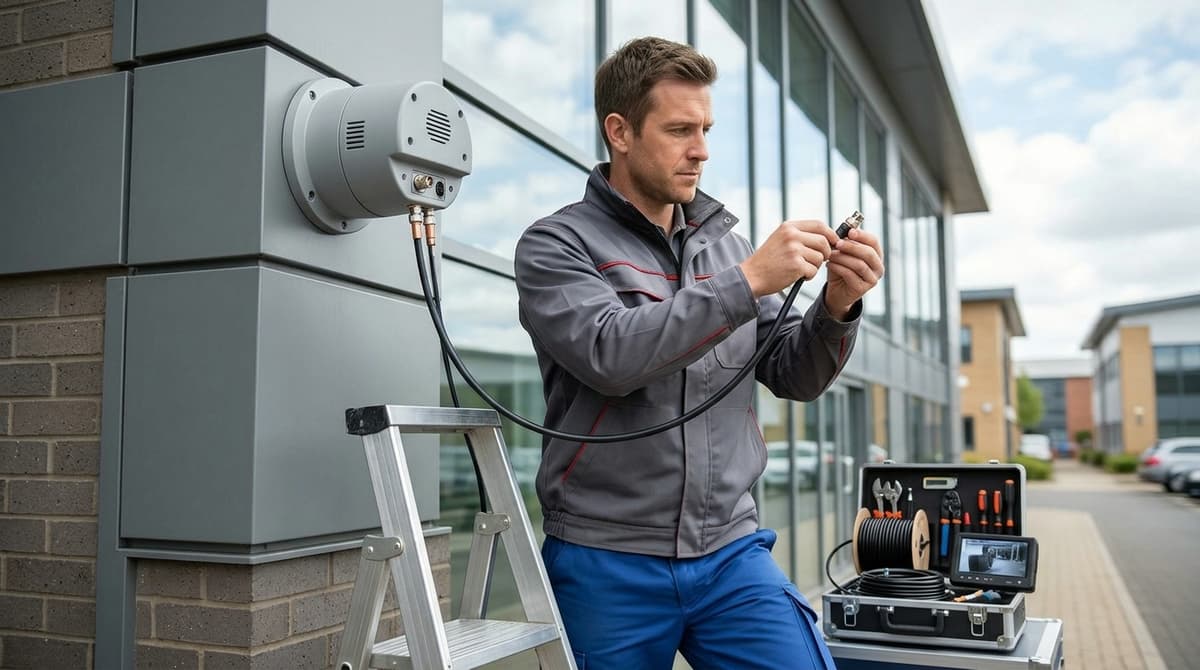
HD over coax often lets you keep existing RG59 cabling and replace only the cameras and recorder, provided the cable runs, connectors and recorder inputs pass the checks below. Run length, 4K support and recorder format decide the outcome. HDCVI, HDTVI and AHD are not interchangeable, so confirm each against the product datasheet before you order. Check for worn connectors, mid-run joins and water-damaged cable first, as these are where reuse most often falls down.
Can your existing coax carry HD over coax cameras?
Usually yes, provided the run is in sound condition and the cameras and recorder use the same HD format. The Hikvision Turbo HD 3.0 brochure says HD is possible "without upgrading to IP cameras or even replacing existing cabling structure". Visiotech likewise describes reusing the coax runs left over from CVBS systems.
Before ordering an HD over coax camera system, check each run. This is general installer guidance, not a manufacturer requirement:
- Connectors: look for corroded, loose or poorly crimped BNC ends, and re-terminate any you doubt.
- Joins and couplers: note any mid-run joins or couplers. Each is a likely weak point, so remove them where you can.
- Cable damage: check for cuts, crushed sections and water ingress, especially where cable enters the building or sits at an exposed camera end. Water-damaged HD over coax cable is usually better replaced than patched.
On resolution, the older High Definition Over Coax whitepaper frames the technology around 720p and 1080p. Whether a given camera and recorder pair handles 4K over coax is down to each product's datasheet, so confirm it there. Our Hikvision camera guide for UK buyers helps narrow down which series to check. Cable-type choice for new or longer runs is a separate decision from this condition check.
HDCVI, HDTVI or AHD: which format should you pick?
Pick whichever format your recorder accepts, because HDCVI, HDTVI and AHD are separate signal standards and are not interchangeable. The High Definition Over Coax whitepaper compares four competing technologies: AHD, HD-CVI, HD-SDI and HD-TVI. Browse our Turbo HD camera range for cameras in these formats.
The rule that avoids returns is to choose the recorder first, then buy cameras in a format it lists. Stay inside one brand family unless the recorder datasheet explicitly confirms multi-format inputs. For Hikvision, Dahua, Annke and Tiandy alike, read the recorder datasheet to see which inputs it lists rather than assuming.
The cable run does not decide the format. Our 8MP 4K Passive PoC CCTV Video Balun lists HD-TVI, AHD, CVI and CVBS support, up to 8MP, so it can carry any of those formats over Cat5e or Cat6 UTP instead of coax.
- Keeping an existing recorder: match the camera format to the recorder's listed inputs exactly, and check the datasheet before ordering.
- Starting fresh: choose one brand family, then confirm each camera's format against the recorder's listed inputs before you order. Buying them together does not by itself guarantee they are compatible.
- Mixing analogue, HD coax and IP: this is a different decision, because a hybrid recorder changes what you can keep. Our Hybrid DVR NVR Guide 2026: Keep, Mix or Upgrade walks through it.
What limits will you hit: run length, 4K and signal quality?
Plan on 100 m for 720p or 1080p HD over coax, treat longer claims as best case, and confirm 4K across the whole chain against the datasheet.
Published run lengths disagree. One UK supplier's HDcctv guide gives 100 m as the maximum for 720p and 1080p, with up to 300 m at lower resolutions, yet the same page advertises 500 m for 1080p. Use 100 m as the conservative planning figure. The real limit depends on the camera and the cable, so check the camera's datasheet before committing to a long route. We would not quote a per-format 4K distance without it.
Against IP
One distributor's comparison gives Ethernet over UTP a 100 m limit, so on paper the planning distance is the same for both. The difference lies elsewhere: the same page notes that PTZ control and OSD menu access can travel down the coax itself. For a wider look at where each approach fits, our CCTV vs security camera buyer's guide covers the differences.
4K and 8MP
The 8MP 4K Passive PoC CCTV Video Balun states support for cameras up to 8MP 4K. It handles HD-TVI, AHD, CVI and CVBS over Cat5e or Cat6 UTP. That claim covers the balun only. Camera, cable and recorder must each support the resolution, and the weakest link sets what you actually record.
When a run fails
Dropouts, noise or a broken-up picture on a long run leave three options: a shorter route, a better-grade cable, or a rewire.
Recorder-side compatibility checklist for HD over coax DVRs
Before buying an HD over coax DVR, check five things: formats per channel, maximum resolution, mixed analogue and HD use, PTZ control protocol, and storage headroom.
Compatibility is the usual snag in an upgrade. Existing coax can often be reused, but the recorder decides which cameras will actually work on it. This is general guidance, so confirm each point against the specific DVR's datasheet. For a Hikvision-specific view, see our Hikvision ANPR camera guide.
- Input formats per channel: look for CVI, TVI, AHD and CVBS support, and note whether every channel accepts all of them or only some.
- Maximum resolution per channel: some recorders cap certain inputs below the headline figure. Check whether the DVR auto-detects the camera's format or needs it selected manually in the menu.
- Mixed systems: confirm that old analogue cameras can share the recorder with HD ones, which lets you replace cameras in stages.
- PTZ and OSD control over coax: some systems send commands down the video cable. Check that the recorder supports the protocol your camera uses.
- Storage: HD recordings run at a higher bitrate, so check that the drive capacity and your retention target still fit.
If the recorder fails several of these checks, moving to network cameras may be simpler. Our PoE cameras explained: UK buyer's guide covers that route.
When is a rewire or an IP move the better call?
Rewire or move to IP when the cable, the run length or the recorder's limits stop the coax system doing the job; otherwise keep what you have.
The cases that justify the cost:
- A run that is longer than the camera or recorder datasheet allows.
- Damaged cable, or cable of unknown type and condition that you can't trace or trust.
- A need for resolution or features that the coax recorder can't deliver.
- A decision to go fully IP, so that recorder and cameras share one network.
Neither route wins on every job. HD over coax can keep the existing cabling, while a move to IP typically means a different recorder and may need new cable. Existing network cabling, or suitable Ethernet-over-coax equipment, can sometimes avoid a full rewire. The EEN pros and cons of analogue, IP and HD over coax cameras comparison is worth a read if you want the wider argument.
The middle option
If the coax is the problem but you aren't ready to go IP, pull Cat5e or Cat6 and keep the analogue-HD recorder. The Passive PoC Video Balun 8MP 4K supports HD-TVI, AHD, CVI and CVBS and connects the twisted pair through screw terminals. It is priced at £4.07 on its product page, where live stock status is also shown. This is still an HD over coax camera system in signal terms, so the recorder's limits stay the same.
We sell the equipment and do not fit it. For the rewire, use your own electrician or an independent NSI or SSAIB-accredited installer, and check the balun's datasheet for its run limits first.