
business cctv installer
How to Hire a Business CCTV Installer: Complete 2026 Guide
Engaging a business CCTV installer follows a predictable sequence — enquiry, site survey, quote, install, handover, compliance paperwork — and knowing that…
On this page
- What does the first conversation with a business CCTV installer cover?
- What a proper first call asks
- The red flag to watch for
- What happens during a site survey?
- What a thorough surveyor checks
- Questions to ask on the day
- How to read a CCTV installer's quote
- What should be itemised
- Checking the number against the market
- What compliance and paperwork should an installer walk you through?
- What are signs of a red-flag installer or a rushed job?
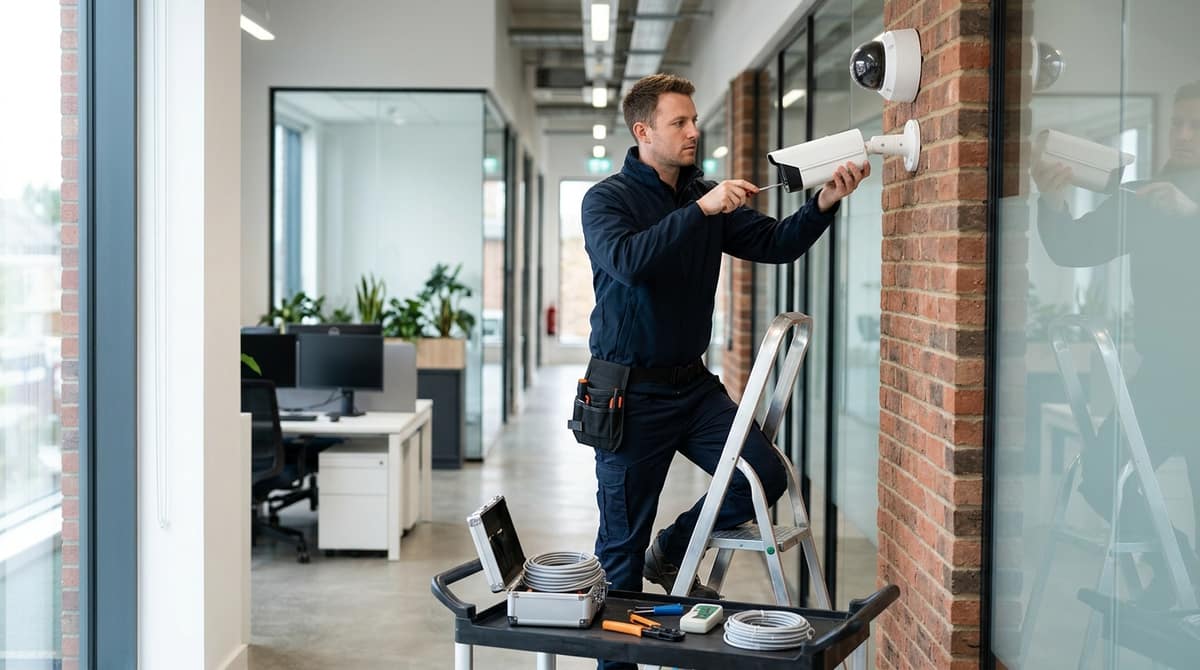
Engaging a business CCTV installer follows a predictable sequence — enquiry, site survey, quote, install, handover, compliance paperwork — and knowing that sequence is exactly how you spot a corner-cutting installer before you've signed anything. This walkthrough covers what happens at each stage and what to ask along the way; it won't cover DIY versus professional installation, and if you're after the numbers, our CCTV installation cost guide for business breaks down what you should expect to pay per camera.
What does the first conversation with a business CCTV installer cover?
A competent business CCTV installer spends the first call asking about your building, your risk profile and what you actually need to see or prove — not quoting a camera count before they've asked anything. This mirrors the standard set out by DC Fire & Security, which frames commercial CCTV as something that "should be specified around the building, risk, compliance requirements and day-to-day use" before any price is given.
What a proper first call asks
Expect an installer to work through the practical detail before mentioning hardware:
- How many entrances and exits the site has, including staff-only doors and delivery access
- Whether there's a history of theft, break-ins or disputed incidents that shaped the enquiry
- Operating hours — a 24-hour warehouse and a 9-to-5 office have very different lighting and recording needs
- What cabling or network infrastructure already exists, since retrofitting Cat5e/Cat6 or adding a PoE switch changes the cost
- Whether footage needs to stand up to an insurer's claims process or be handed to police, which affects retention period and resolution choices
None of this requires a site visit to establish over the phone, but it does require questions. A business needing footage as evidence for a police report has a different specification from one that just wants a visible deterrent at the loading bay.
The red flag to watch for
If an installer quotes a number of cameras before asking about the building, treat it as a warning sign. A price given with no questions about entrances, existing wiring or what the footage needs to achieve is a guess, not a survey — and it usually means the quote will move once someone actually looks at the site. Genuine sizing for cctv systems for business depends on layout, mounting height and lighting, none of which can be judged from a phone call alone.
This first conversation matters whether you're buying a fully installed service or specifying a system yourself and having an electrician fit it — if you're taking the self-specify route, our cost guide for business CCTV installation sets out what typically drives the per-camera price so you can sense-check any installer's numbers against it.
What happens during a site survey?
A site survey is a physical walk-through of the premises to map camera positions, cable runs, power and network availability, and lighting conditions, which sets the real quote before any firm price is given.
A site survey is a physical walk-through of the premises to map camera positions, cable runs, power and network availability, and lighting conditions — it's this visit, not the initial phone estimate, that sets the real quote. Anyone quoting a business CCTV system without walking the site first is guessing at cable lengths, mounting points and PoE loading, all of which move the final price.
What a thorough surveyor checks
- Sightlines and blind spots — walking every entrance, till point, stockroom and car park boundary to spot where a single camera can't cover two angles.
- Mounting height and structure — whether a wall, soffit or steel column can actually take a bracket, and at what height footage stays useful rather than just a view of hats and hoods.
- Existing PoE and network capacity — checking whether a current switch has enough free ports and power budget, or whether a new PoE switch is needed alongside the cameras.
- Lighting for night coverage — noting where existing lighting falls short, since a camera's low-light performance depends on its sensor and lux rating rather than resolution alone.
- Where the NVR or recorder will live — a back office, comms cupboard or dedicated cabinet, and whether that space can be locked.
Questions to ask on the day
- "Why this camera type here?" — a fixed lens covering a doorway needs a different field of view to a varifocal covering a loading bay, and the surveyor should be able to justify each choice.
- "What happens to existing cabling?" — reused coax or Cat5 may not support the PoE budget or bandwidth of new IP cameras, so ask whether it's being tested, reused or replaced.
- "Where's the recorder going, and is it in a locked space?" — an NVR sitting in an unlocked stockroom is a single point of failure for the whole system.
The choice and placement of the recorder is worth understanding before the survey happens, since it dictates channel count, storage and network layout — our NVR Explained guide covers how to size one correctly. A good survey should leave the buyer with a camera-by-camera rationale, not just a total price, which is the clearest sign of a site survey done properly rather than a desktop estimate dressed up as one.
How to read a CCTV installer's quote
A proper quote breaks the job into separate itemised lines for cameras, cabling, recorder, labour and aftercare rather than bundling everything into a single mystery total, allowing you to check each component against real specifications and market prices.
A proper quote breaks the job into separate priced lines for cameras, cabling, the recorder, labour and any aftercare — a single "supply and fit" figure with no breakdown is the one thing worth challenging before you sign. When a competitor promises "all quotes include all required cabling, cameras, recorder, software, setup, configuration and aftercare, with no hidden extras," that's the standard to hold any installer to: every component named, priced, and none of it bundled into a mystery total.
What should be itemised
A quote you can actually compare should show:
- Camera model and count — the exact model (not just "4MP dome"), so you can check its spec sheet for sensor size, lux rating and lens against your site's lighting and coverage needs.
- Cable run length and type — how many metres of Cat6/Cat6a PoE cable, and whether trunking, conduit or containment is included or charged separately.
- NVR/storage — the recorder model, number of channels, drive capacity and expected retention period, since storage sizing drives ongoing cost more than most buyers expect.
- Configuration and setup — network configuration, remote access setup, motion zones and alert tuning, priced as labour rather than folded into "installation."
- Maintenance contract — whether callouts, firmware updates or health checks are included, and for how long, versus billed as needed.
If any of these lines is missing, ask for it explicitly — a vague "installation and commissioning" line is where padding hides.
Checking the number against the market
Rather than restating pricing here, weigh a quote against independently published ranges for the same scope: our own CCTV Installation for Business: Cost Guide and CCTV Installation Cost for Business UK 2026 break down typical per-camera and per-system costs for straightforward IP PoE setups, which gives you a like-for-like baseline to sanity-check quotes from any installer.
Because CCTV Master sells the cameras, NVRs, PoE switches and cabling rather than fitting them, this itemisation habit is exactly how to use a retail price list alongside an installer's quote: check the hardware line matches a real stocked model and its published spec, then have your own electrician or installer confirm the labour, cable-run and configuration lines separately. That separation is also what protects you if a fault turns out to be hardware rather than workmanship — a named model with a datasheet is something you can query with the manufacturer or supplier directly, a generic line item isn't.
What compliance and paperwork should an installer walk you through?
An installer should flag UK GDPR obligations before cameras go live, including signage, a lawful basis for recording, a defined retention period, and a process for handling subject access requests within one calendar month.
Any UK GDPR obligation for business CCTV must be flagged before cameras go live, not discovered after a complaint: signage, a lawful basis for recording, a defined retention period, and a process for handling subject access requests. A competent business CCTV installer should raise these as standard, not leave you to find them in the small print.
The core obligations, as set out on GOV.UK, are practical rather than bureaucratic:
- Signage — visible notices telling staff, customers and visitors that CCTV is in use and why.
- Subject access requests — in most circumstances you must be able to provide recorded images to the person captured within 1 calendar month of their request.
- Sharing with authorities — footage must be shared with the police or other authorities if they ask for it.
- Retention — images should only be kept for as long as the business genuinely needs them, not indefinitely by default.
- The data protection fee — most organisations processing personal data, including CCTV footage, need to pay this fee, per GOV.UK.
Beyond these headline points, the ICO publishes its own CCTV guidance and checklist, linked from the gov.uk page above — that's the primary reference for lawful basis, proportionality and data-sharing detail, and worth asking your installer whether they've read it, rather than accepting a second-hand summary.
Red flag: if an installer has no answer when you ask how subject access requests, retention periods or signage will be handled on your system, treat that as a gap in their process, not a minor omission — it's the paperwork that keeps a business CCTV system legally usable, not just technically working.
What are signs of a red-flag installer or a rushed job?
Warning signs include no site survey, no written itemised quote, vague answers on data protection, pressure to sign the same day, and reluctance to name actual camera or recorder models with full specifications.
The clearest warning signs cluster around skipped steps: no site survey, no written itemised quote, vague or evasive answers on data protection, and pressure to sign the same day. A legitimate installer wants to see the building — lighting, entry points, cable routes — before pricing anything, because a proper quote depends on it, not the other way round.
Concrete red flags to walk away from:
- A verbal-only quote with nothing itemised in writing — no camera count, no model numbers, no labour cost broken out.
- No mention of data protection or signage — under UK GDPR and the gov.uk CCTV guidance, a business using CCTV must display signage, provide footage within roughly one calendar month if requested, and register with the ICO where required.
- Can't or won't explain why cameras go where they're proposed — camera placement should follow entry points, till areas, car parks and blind spots, not a generic template.
- No aftercare or maintenance offer at all — no answer on who attends if a camera or the NVR fails after handover.
- Reluctance to name the actual brand or model being fitted — a fair quote names the camera and recorder model, not just "HD CCTV system."
Questions worth asking before you hire anyone:
- Do they hold any recognised accreditation — schemes such as NSI or SSAIB are referenced by some installers as a mark of vetted competence, worth asking about even if not universal.
- What warranty length applies to the hardware and the labour, and is that in writing?
- Who actually attends if a camera fails in six months — the original installer, a subcontractor, or nobody?
- Did they carry out a site survey before quoting, and does the quote reflect what they actually saw?
The objective check, regardless of who's fitting it: ask for the exact camera and NVR model number and pull up the manufacturer's own datasheet. Resolution, lens angle, IR range and PoE draw are all stated there in black and white — if a quoted price doesn't match what a comparable model costs at public retail, that's a legitimate question to raise. Buyers checking specs against real stock can compare against what CCTV Master lists at public prices for Hikvision range, Dahua, Annke, Tiandy and TP-Link VIGI kit — a same-day dispatch retailer is a useful yardstick even when someone else is doing the fitting.
This article was researched and written by CodeNest's AI SEO content engine.
