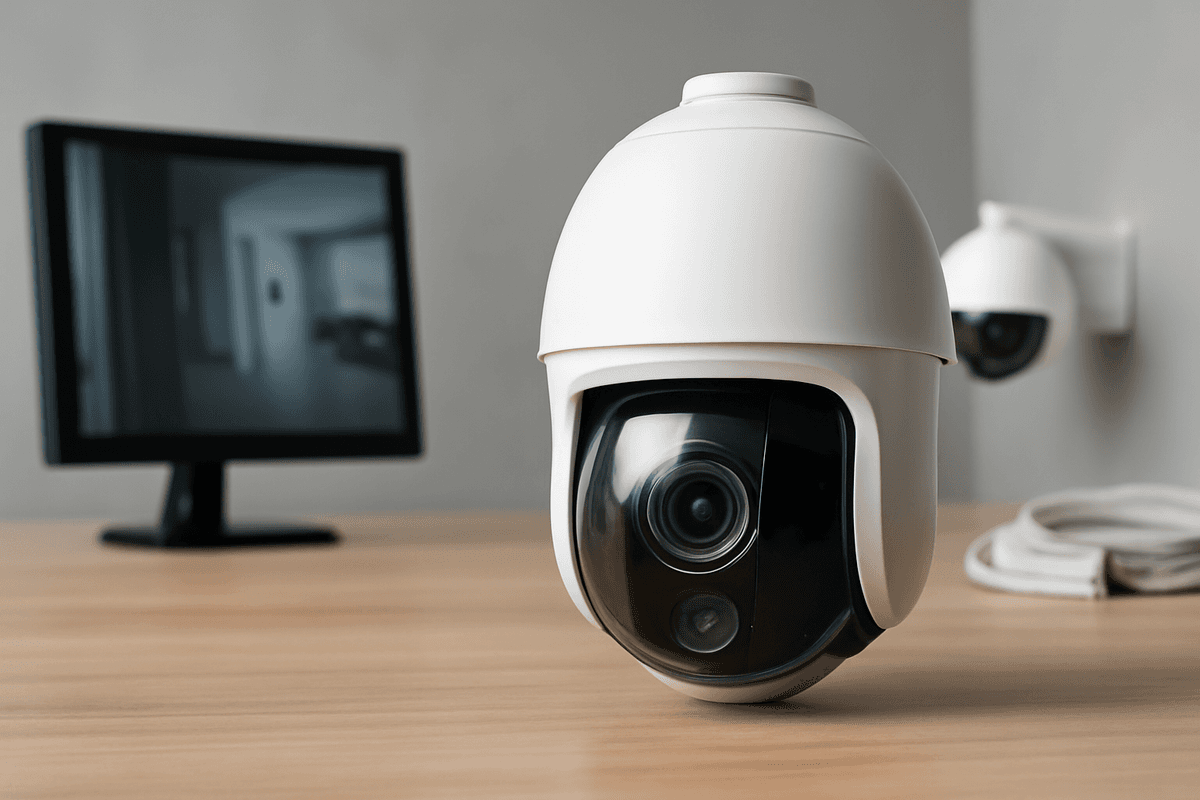
A PTZ camera is one of the most capable tools in a CCTV installer's kit — and one of the most frequently misapplied. Chosen for the right site, a single unit with patrol presets and optical zoom can do the work of three fixed cameras for a fraction of the cabling cost; chosen for the wrong one, it's an expensive, mechanically complex device pointed permanently at a doorway that a £60 fixed dome would have covered just as well. This guide cuts through the spec-sheet noise to help UK buyers and installers make that call correctly.
When Does a PTZ Camera Actually Justify the Cost?
A PTZ video camera earns its place when a single scene is genuinely too large for any fixed lens to cover usefully — open car parks, construction compounds, large retail floors. For tight, defined spaces, a fixed camera is cheaper, simpler, and has no moving parts to fail.
The Real Cost Comparison: PTZ vs. Multiple Fixed Cameras
A competent PTZ video camera sits in the £300–£800+ range for the camera unit alone, before mounting hardware, a PoE switch or power supply, and commissioning time. Two or three fixed dome cameras covering the same footprint might cost £80–£200 each — so the hardware cost alone can favour fixed cameras.
Where the PTZ wins is cabling. One cable run (or one PoE drop) versus three separate runs with conduit, trunking, and junction boxes can easily tip the installed-cost balance back toward the PTZ, particularly in large open spaces where trenching or overhead cable management is expensive.
The PTZ loses on redundancy. If the motor, slip ring, or pan-tilt mechanism fails, you lose the entire coverage zone. Three fixed cameras can tolerate one failure and still maintain partial coverage — a meaningful consideration for high-risk sites.
Scenes Where a PTZ Genuinely Earns Its Place
| Scenario |
Why PTZ works |
| Open car park (50+ spaces) |
No fixed lens covers the full area; PTZ patrols presets or operators zoom to incidents |
| Construction compound |
Perimeter is large and irregular; PTZ can cover multiple fence lines from one mast |
| Large retail shop floor |
Operator can zoom to a suspected shoplifting event in real time |
| Long driveway or estate entrance |
Single elevated PTZ covers approach, gate, and turning area |
In each case, the scene is too large for a fixed wide-angle to yield usable detail at distance, and too open for multiple fixed cameras to cover economically. The Hikvision DS-2AE5225TI-A-E 2MP 25x PTZ Turbo HD Camera is a practical example of this class — 25× optical zoom on a 4.8–120 mm motorised lens, with up to 150 m Smart IR, from a single cable drop.
One trade-off worth flagging at the specification stage: low-light performance tends to degrade at longer focal lengths. The main reasons are that a narrower field of view demands faster shutter speeds to freeze subject motion, the effective aperture (f-number) typically rises as the lens extends, and optical stabilisation has limits at extreme zoom. The result is that a camera which performs well in daylight at full zoom may struggle in dusk or overcast conditions. This is why many installers pair PTZ cameras with fixed wide-angle units for night-time coverage, or specify models with larger sensors and lower minimum illumination ratings. Understanding these constraints helps avoid the disappointment of a camera that looks impressive on the spec sheet but fails to deliver usable footage when you need it most.
What PTZ-Specific Specs Actually Matter for UK Installations?
For a PTZ video camera to perform reliably on a UK commercial site, three specs dominate: optical zoom range, minimum lux at maximum zoom, and IR throw distance. Get these wrong and the camera fails at the exact moment — long range, low light — it was specified to cover.
Optical Zoom Range vs. Image Quality
20–25× optical zoom is the practical ceiling for most UK commercial sites before image quality becomes the limiting factor, not the zoom ratio itself.
The Hikvision DS-2AE5225TI-A-E 2MP 25x PTZ Turbo HD Camera is a useful benchmark: 25× optical zoom across a 4.8–120 mm motorised lens, recording at 2MP/1080p. At that resolution and zoom range, it can resolve sufficient facial detail for identification at distance — provided lighting conditions are adequate.
The problem with chasing higher zoom ratios is physics, but it's not quite as simple as "more zoom equals less light per pixel." What actually happens at long focal lengths is that the effective aperture — the f-number — increases, meaning the lens admits less light overall. Combine that with the faster shutter speeds needed to freeze motion on a distant, wind-buffeted mount, and you can lose several stops of exposure compared to wide-angle. At very high optical zoom levels — often 30× and above on smaller sensors — low-light performance can suffer noticeably as a result. You may gain reach on paper but lose usable image quality after dark. Treat any figure in that range as a prompt to test rather than a hard rule.
Always ask the supplier for the minimum lux figure at maximum zoom, not just at wide angle. Manufacturers typically quote lux at wide-angle because it flatters the spec sheet. A camera rated at 0.005 lux wide-angle may perform closer to 0.05 lux at full telephoto — a tenfold difference that matters enormously on a poorly lit car park or perimeter fence.
Avoid digital zoom for evidential footage. Digital zoom is interpolation: it enlarges existing pixels without adding detail. This reduces usable image quality and can undermine evidential value; where identification is required, rely on optical zoom and lens choice instead. If your site genuinely needs reach beyond 25×, specify a camera with a physically larger sensor rather than a higher digital multiplier.
Quoted IR range figures from manufacturers should be treated as best-case numbers measured under controlled conditions — typically a flat, highly reflective surface at the rated distance. On a real UK site, with dark clothing, wet tarmac, and a camera mounted at an angle, expect usable illumination at perhaps
60–75% of the stated range. Most professional PTZ cameras in this guide offer between 100–300m of IR reach, which translates to practical performance of 60–225m depending on environmental factors. For applications requiring reliable night vision in challenging conditions—such as perimeter security or traffic monitoring—prioritise models with adjustable IR intensity and wide-angle lens options, as these provide better coverage and reduce the risk of IR washout on nearby objects.
Patrol Presets and Auto-Tracking: Useful Feature or Marketing Noise?
Both features are genuinely useful — but only when configured correctly. Poorly set patrol schedules and untested auto-tracking are among the most common reasons a PTZ video camera fails to catch an incident it was supposed to cover.
Patrol Presets: The Case For and Against
A patrol preset tells your PTZ to cycle through a sequence of saved positions on a timed schedule, dwelling at each one before moving to the next. For car parks, construction sites, and multi-zone yards, this replaces the need for a static camera at every corner.
The feature earns its keep when zones are genuinely distinct and the dwell time is set to match the geometry of each one. A 3-second dwell on a 30-metre car park aisle gives you a snapshot, not coverage — by the time the camera locks focus, a person is already halfway across the frame. A more realistic dwell for that kind of zone is 15–20 seconds, long enough to observe entry, movement, and exit.
Most commercial PTZ units support anywhere from a handful to well over a hundred presets. In practice, UK SME sites rarely need more than 4–8 well-chosen positions. Thirty poorly configured presets cycling every few seconds produce a blurred, near-useless recording and make post-incident review a significant time drain.
Setting presets that actually work
- Map zones first. Walk the site and identify the specific areas where incidents are most likely — entry gates, loading bays, stairwells, till areas.
- Set dwell time per zone, not globally. A narrow corridor needs 8–10 seconds; a wide open yard needs 20–30 seconds.
- Test in the dark. Run the patrol at night and review footage the next morning — IR throw and focus at distance often reveal problems invisible in daylight.
- Limit the cycle. A 6-preset patrol cycling every 2 minutes gives each zone roughly 20 seconds of coverage per pass. If that's insufficient for a high-risk area, add a static camera rather than shortening dwell times.
The Hikvision DS-2AE5225TI-A-E 2MP 25× PTZ Turbo HD Camera supports a large number of presets with per-preset dwell configuration — more than enough for any SME site, and the per-position dwell control is the detail that actually matters in day-to-day use.
UK Legal and Signage Requirements Specific to PTZ Deployments
A PTZ video camera triggers the same UK GDPR and ICO CCTV code obligations as any fixed camera — but its ability to pan, tilt, and zoom across a wide arc creates several compliance traps that fixed-camera installations simply don't face.
UK GDPR and ICO Registration
If your PTZ system processes images of identifiable individuals — which any outdoor deployment almost certainly does — you will likely need to register with the Information Commissioner's Office (ICO) as a data controller and pay the annual data protection fee. The ICO can take enforcement action, including issuing monetary penalty notices, for non-payment or non-registration. Note that CCTV used purely for domestic or household purposes may be exempt, but that exemption narrows considerably once cameras capture images beyond your own property boundary — a common situation with any PTZ covering a gate, driveway, or shared access road.
High-risk deployments require a Data Protection Impact Assessment (DPIA) before go-live. Auto-tracking PTZ cameras in publicly accessible spaces — such as a retail car park or a town-centre forecourt — can constitute high-risk processing under UK GDPR, because automated tracking of individuals may be systematic and large-scale. Whether a specific deployment crosses that threshold depends on context: the scale of monitoring, how intrusive the tracking is, and what safeguards are in place. If there is any doubt, carry out a DPIA before go-live; it should document the purpose, the necessity, the risks, and the mitigations. Check the ICO's own guidance and screening checklist to confirm whether your deployment requires one — the obligation is risk-based, not automatic, but the consequences of getting it wrong are significant.
Signage: Cover the Maximum Coverage Arc, Not the Default Position
The ICO's CCTV code of practice requires clearly visible signage at every point of entry to a monitored zone. For a fixed camera, that zone is straightforward. For a PTZ, it is not.
Your signage must reflect the camera's maximum coverage arc — the full extent it can physically reach when panned, tilted, and zoomed out — not wherever the lens happens to be pointing at rest. If a PTZ mounted on your building's corner can pan 180° to cover a neighbouring car park or a public pavement, that car park and pavement are part of your monitored zone and must be signed accordingly.
Practically, this means:
- Map the full sweep of the camera before installation, not after.
- Place signs at every pedestrian and vehicle entry point within that arc.
- Review signage whenever you change presets or patrol paths — a new automated tour that sweeps further than before changes your legal zone.
Signs must include the name and contact details of the data controller (the organisation or individual responsible for the system), the purpose of the surveillance, and information on how individuals can exercise their rights under UK data protection law. Failure to provide adequate signage can result in enforcement action from the ICO, regardless of how responsibly you operate the camera itself. The signage requirement exists to ensure transparency: anyone entering a monitored zone must know they are being recorded and understand who is responsible for that recording.
Choosing the Right Recorder for a PTZ Camera
The short answer: match your recorder to your PTZ's variable bitrate demands, not just total storage. A PTZ video camera can spike its output significantly during fast pans or zooms, so write throughput and compression efficiency matter as much as drive capacity.
Why Variable Bitrate Catches Installers Out
A PTZ camera doesn't stream a steady, predictable bitrate the way a fixed camera does. During a fast pan across a busy car park, the encoder works harder — motion and scene change simultaneously — and bitrate can surge well above the camera's quoted average.
If your NVR or DVR's sustained write speed can't absorb those spikes, you'll see dropped frames or corrupted recordings precisely when the footage matters most. Always check the recorder's maximum incoming bitrate spec, not just its headline storage figure.
H.265 Compression: Why It Matters for PTZ
H.265 (HEVC) roughly halves storage consumption versus H.264 at equivalent image quality — a meaningful saving when a PTZ's bitrate is inherently unpredictable. H.265 Pro+ goes further by applying additional background-suppression encoding, which is particularly effective for scenes where only part of the frame is moving.
The Prolux PXD-8204-HYK4MP 4-channel Hybrid DVR supports H.265 Pro+ compression and records up to 4MP Lite resolution across four channels. That makes it a practical choice for mixed analogue/IP sites adding a PTZ without ripping out existing coax infrastructure.
Analogue PTZ Compatibility: Check Before You Buy
The Hikvision DS-2AE5225TI-A-E 2MP 25× PTZ Turbo HD Camera outputs over Turbo HD (HD-TVI), so your recorder must explicitly support that signal standard — not just generic HD analogue. Some DVRs marketed as "HD analogue" don't support every format (TVI/AHD/CVI) on every channel — confirm TVI support in the spec before purchasing. Connecting a Turbo HD PTZ to an incompatible input gives you a blank screen, not a degraded picture, so it's worth verifying rather than assuming.
The Prolux hybrid DVR listed above supports multiple HD analogue formats alongside IP channels, which is exactly the kind of flexibility worth confirming in the datasheet before committing to a recorder on a mixed-format site.
Related products from our own range:
Wide-angle lens for clear visitor identification at entry points
Built-in microphone and speaker with noise suppression and echo
- Prolux PXD-8204-HYK4MP 4CH Hybrid DVR 4MP Lite H.265 CCTV Recorder — • 4 channel hybrid DVR supporting multiple camera formats
• Supports up to 4MP Lite recording resolution
• H.265 Pro+, H.265, H.264+ and H.264 video compression
• Dual stream recording for local an