Product Description
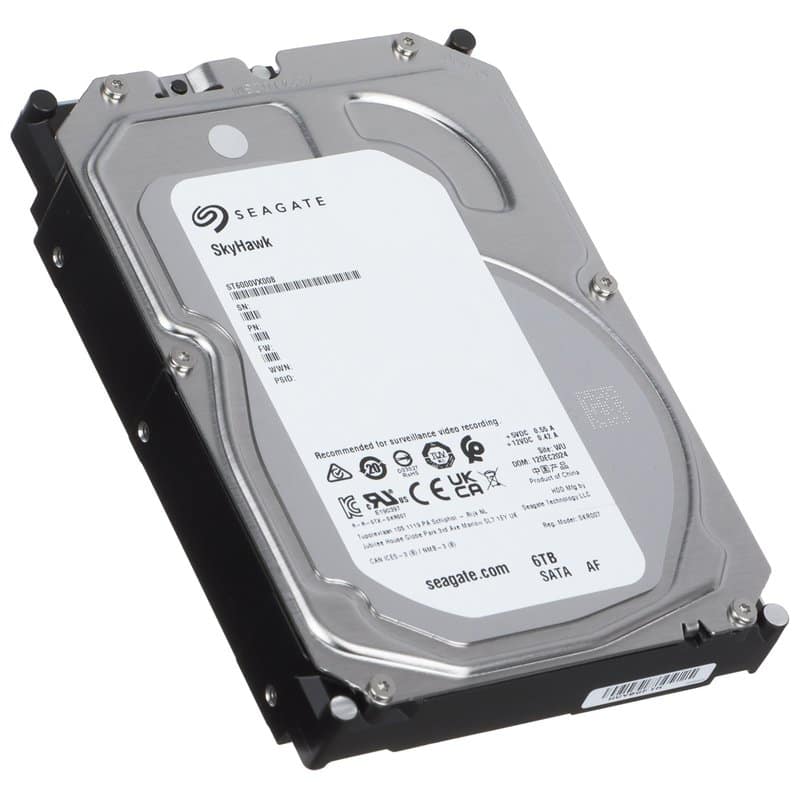
A 4TB surveillance hard drive built to record from your CCTV cameras around the clock without dropping frames. This is the Seagate SkyHawk 4TB (SKU HDD-4TB-SEAGATE-SKYHAWK-SLIM), a 3.5" SATA III drive designed for DVR and NVR recorders rather than desktop PCs.
Why the distinction matters
A standard desktop hard drive isn't built for the sustained, always-on write pattern a CCTV recorder demands. SkyHawk drives are part of Seagate's surveillance-specific range, engineered for continuous 24/7 recording rather than intermittent home-PC use.
Key specs
- Capacity: 4TB — enough for footage from several cameras before older recordings cycle out
- Interface: 3.5-inch SATA III, 6 Gb/s — check your recorder has a free 3.5" SATA bay before buying
- Firmware: ImagePerfect, tuned to keep sequential video writes stable across multiple simultaneous camera streams
- Workload: rated for continuous 24/7 operation, the norm for DVR/NVR systems
Before you buy
Confirm your recorder supports 4TB drives and has a spare 3.5" SATA bay — most modern DVRs and NVRs do, but older or budget models sometimes cap out lower. If you're recording from many high-definition cameras at once, remember that more channels and higher resolution will fill 4TB faster, so factor in how many days of footage you actually need to retain.
Specifications
- Brand
- Seagate
- Capacity
- 4TB
- Connector Type
- SATA
Technical Specifications
Frequently Asked Questions
Will this drive work with my existing DVR or NVR?
It uses a standard 3.5-inch SATA III interface, so it fits most modern DVR and NVR recorders — just check your recorder supports 4TB and has a free 3.5" bay.
Can it run continuously without failing sooner than a normal hard drive?
It's designed specifically for continuous 24/7 recording workloads, which is what CCTV DVR/NVR systems require.
How many cameras can this drive support?
It's built to support multi-camera surveillance workloads and multiple simultaneous HD video streams, though exact camera count depends on resolution and recording settings on your system.
What does the ImagePerfect firmware actually do?
It's engineered to maintain consistent performance during continuous sequential recording, helping minimise dropped frames across multiple camera streams.